Simple Playthings
A box of small, calm toys for tapping, swiping and listening
Dedicated Physical Device, iPhone and iPad app. Shapes, Integers, Alphabet. No ads, no accounts, no tracking.
The idea
Most apps for small children are loud, busy and built to hold attention. I wanted the opposite: a few simple objects that respond when you touch them, and nothing else.
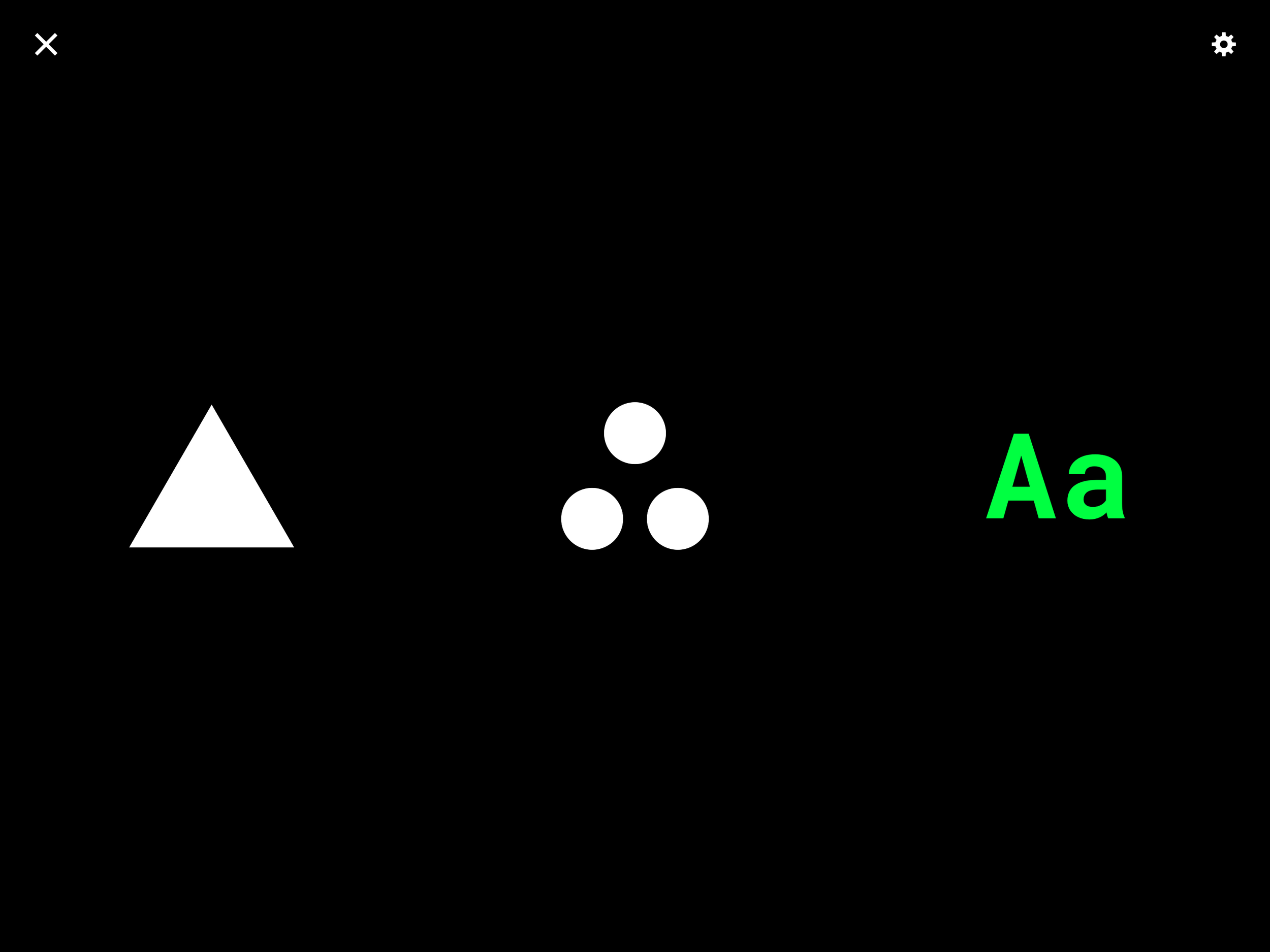
Simple Playthings is three toys in one app. Everything is a tap or a swipe. Every change has a colour, a motion and a sound. There is nothing to read, nothing to buy and nothing to sign into.
Background
I designed and built Simple Playthings over the first few months of my son's life, much of it overnight while he slept on me during my paternity leave. Working one-handed, in short stretches, I built it one shape, one note and one colour theme at a time.
I made it for what comes next. As he becomes more aware of his senses, I wanted a few simple objects waiting for him: things that answer a touch with a colour, a motion and a sound, and ask nothing back.
The Three Toys
Shapes
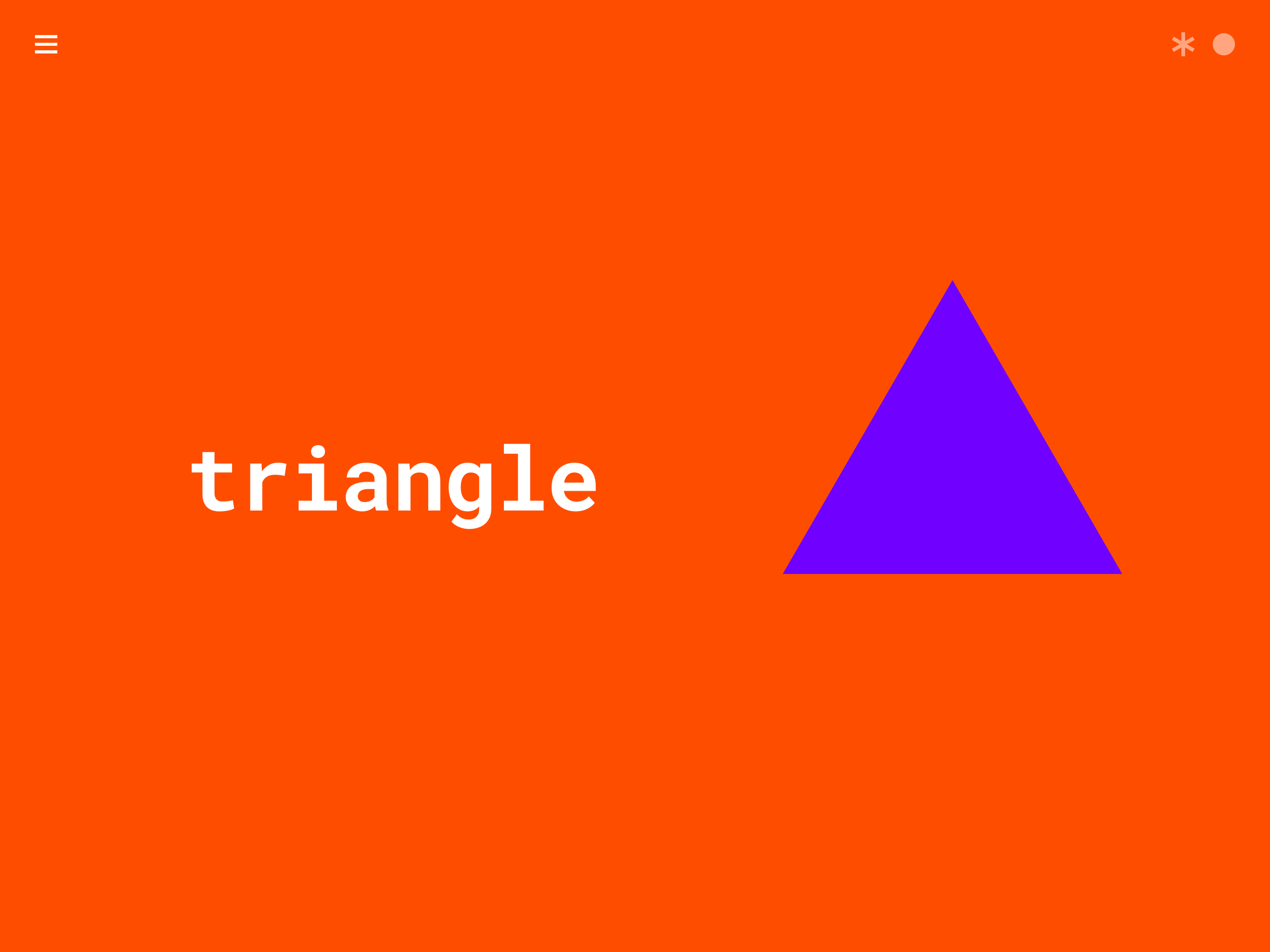
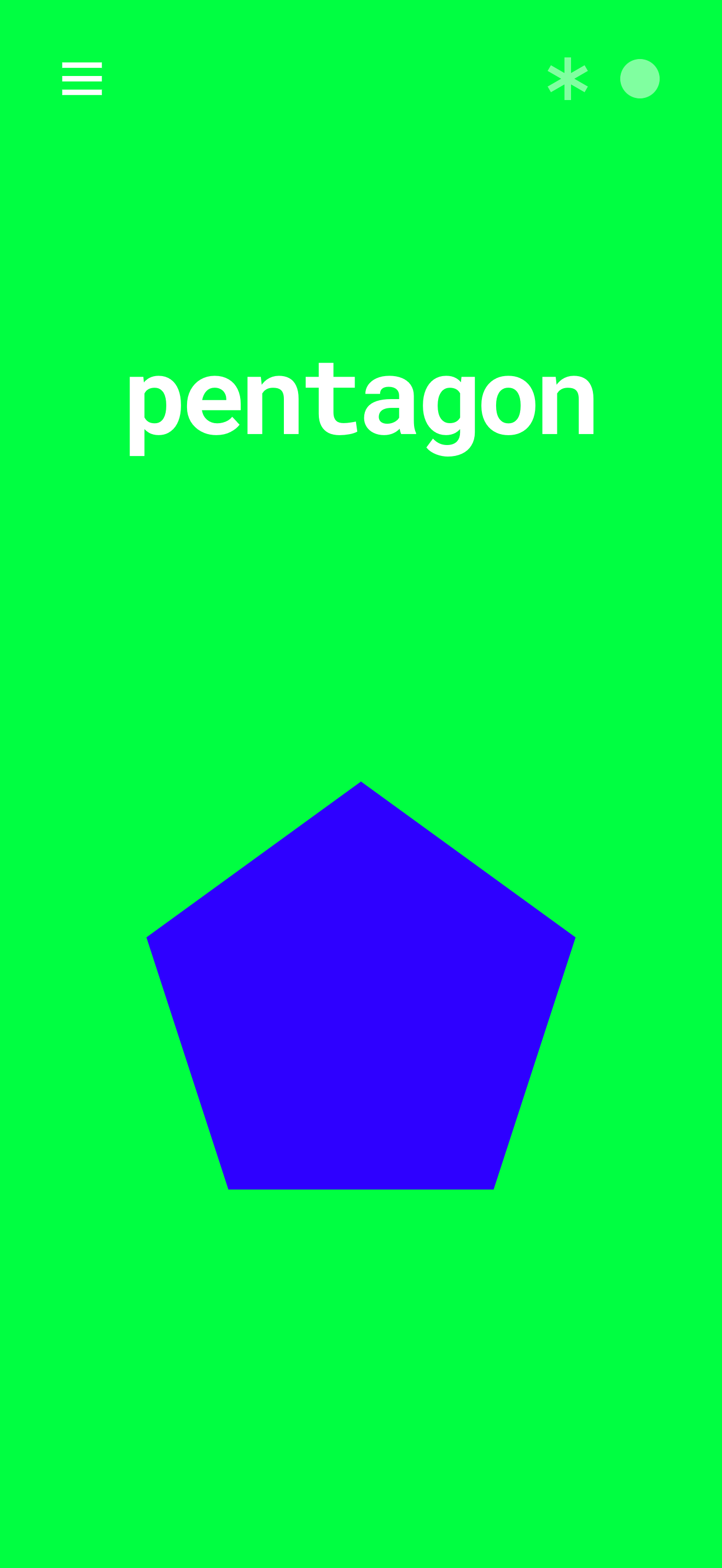
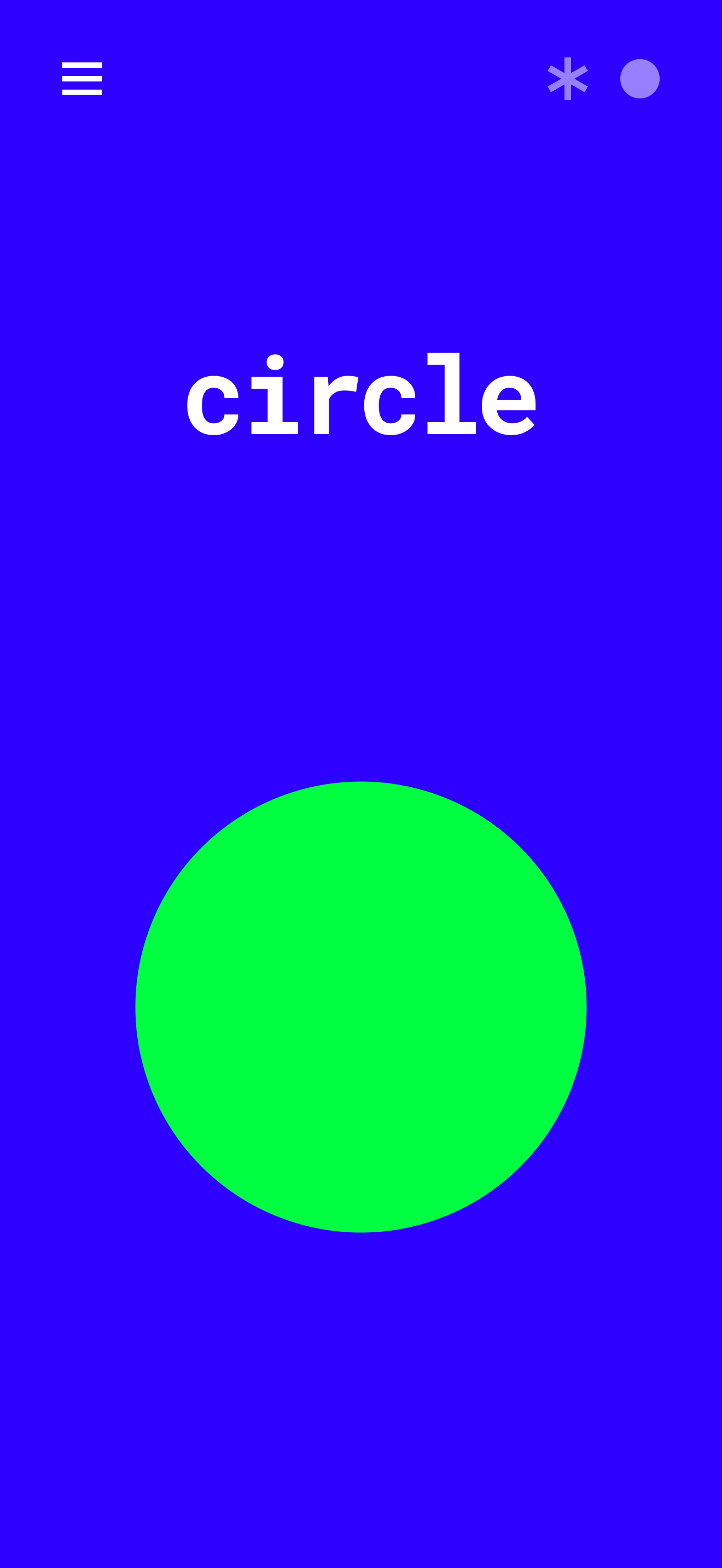
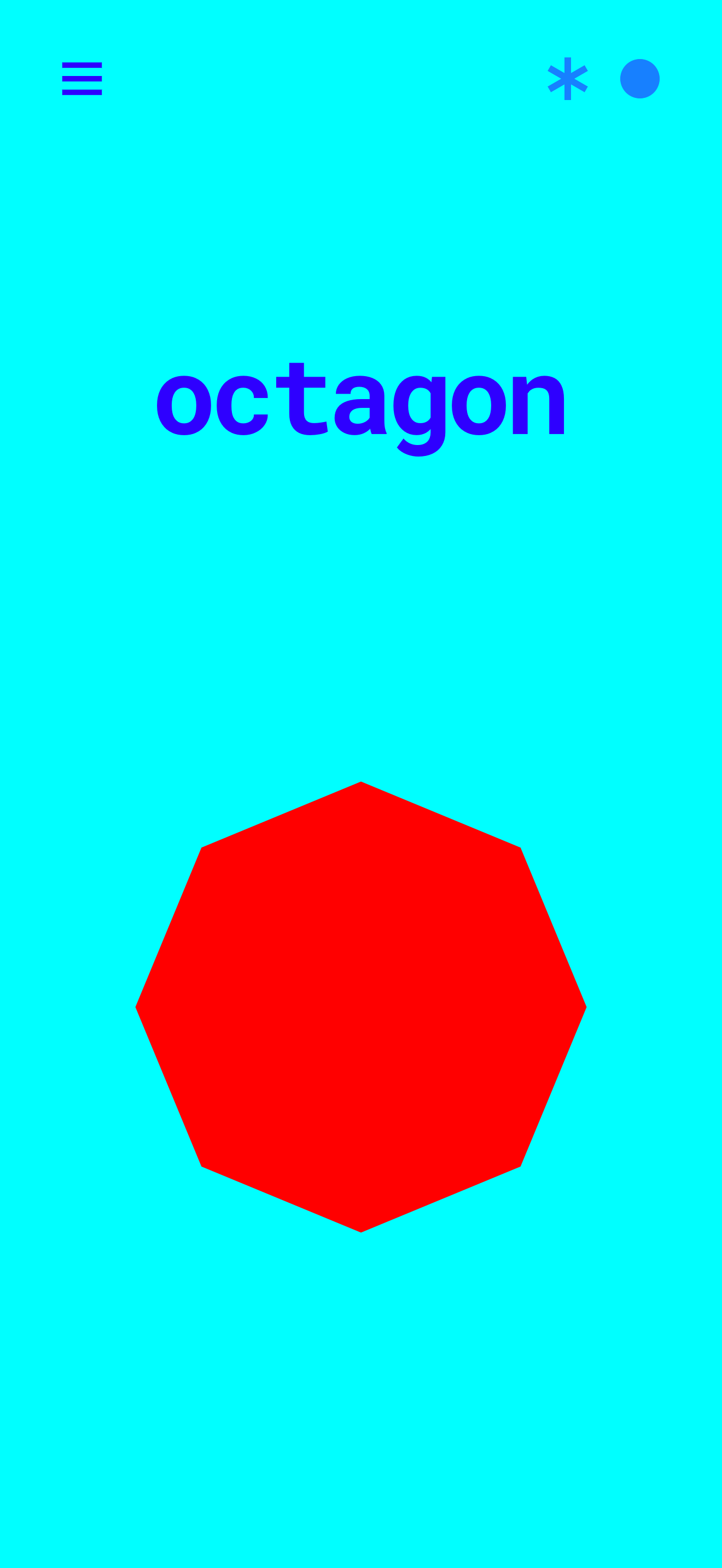
Swipe through shapes from the triangle up to the decagon. Each shape has its own neon colours and its own tone, and its name is shown on screen. Two corner buttons change the colours or spin the shape.
Integers
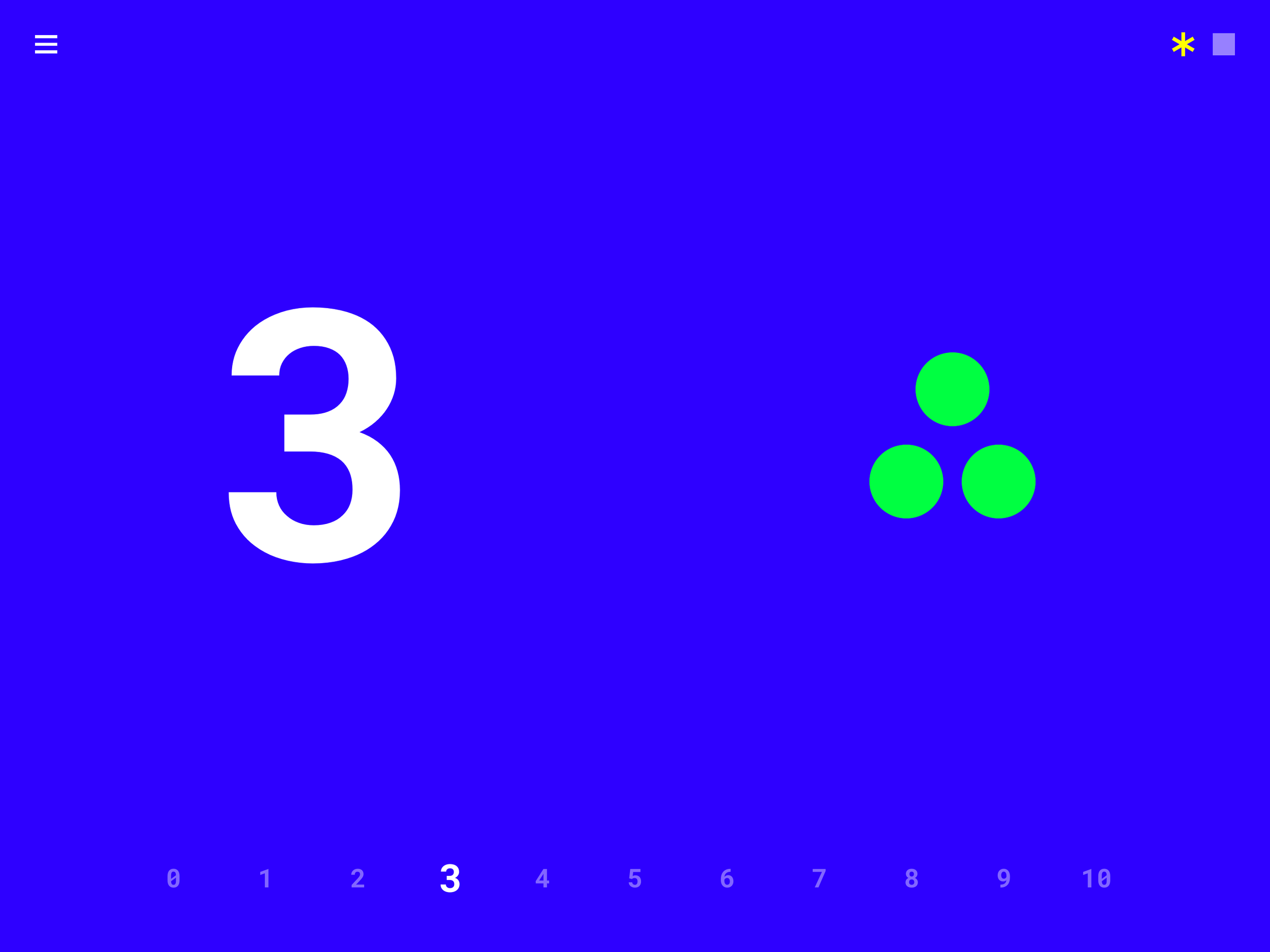
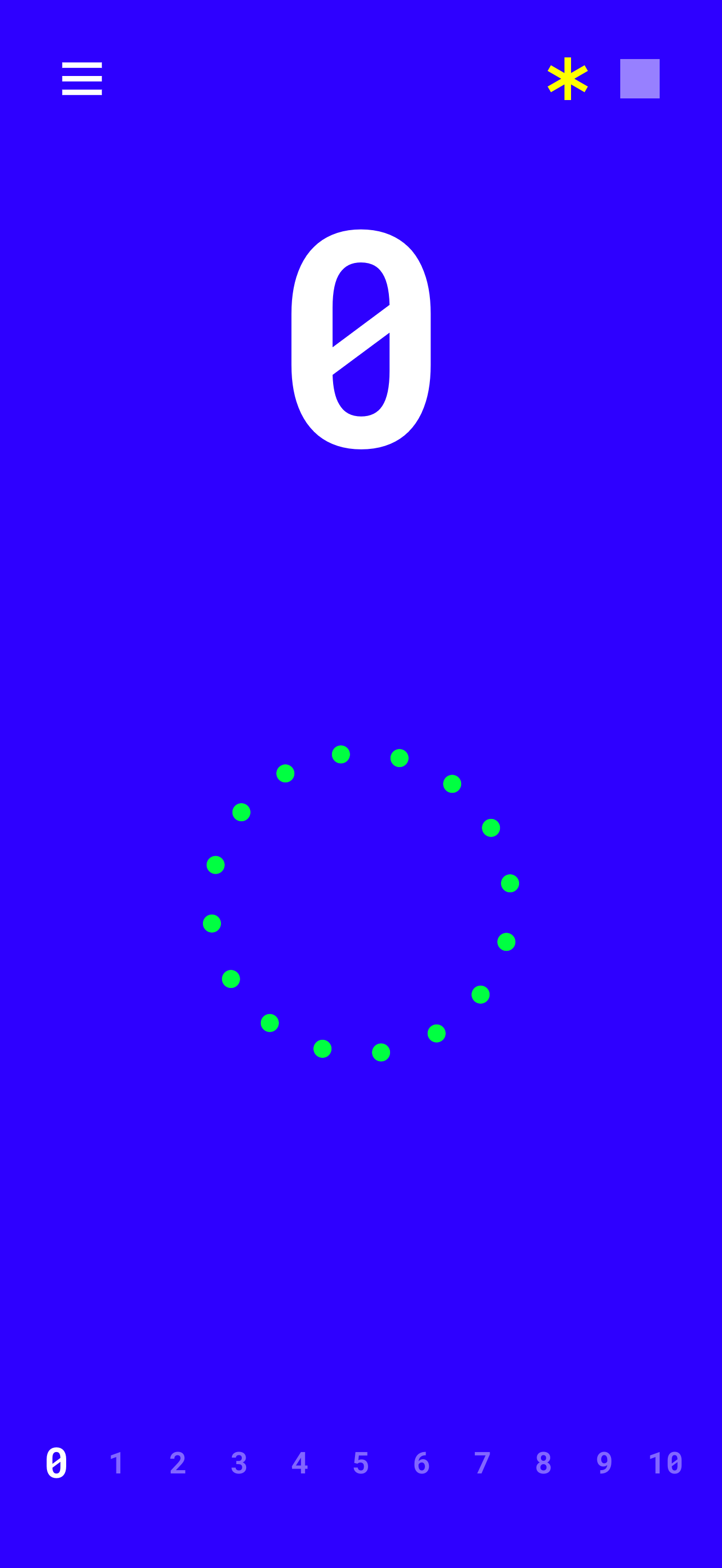
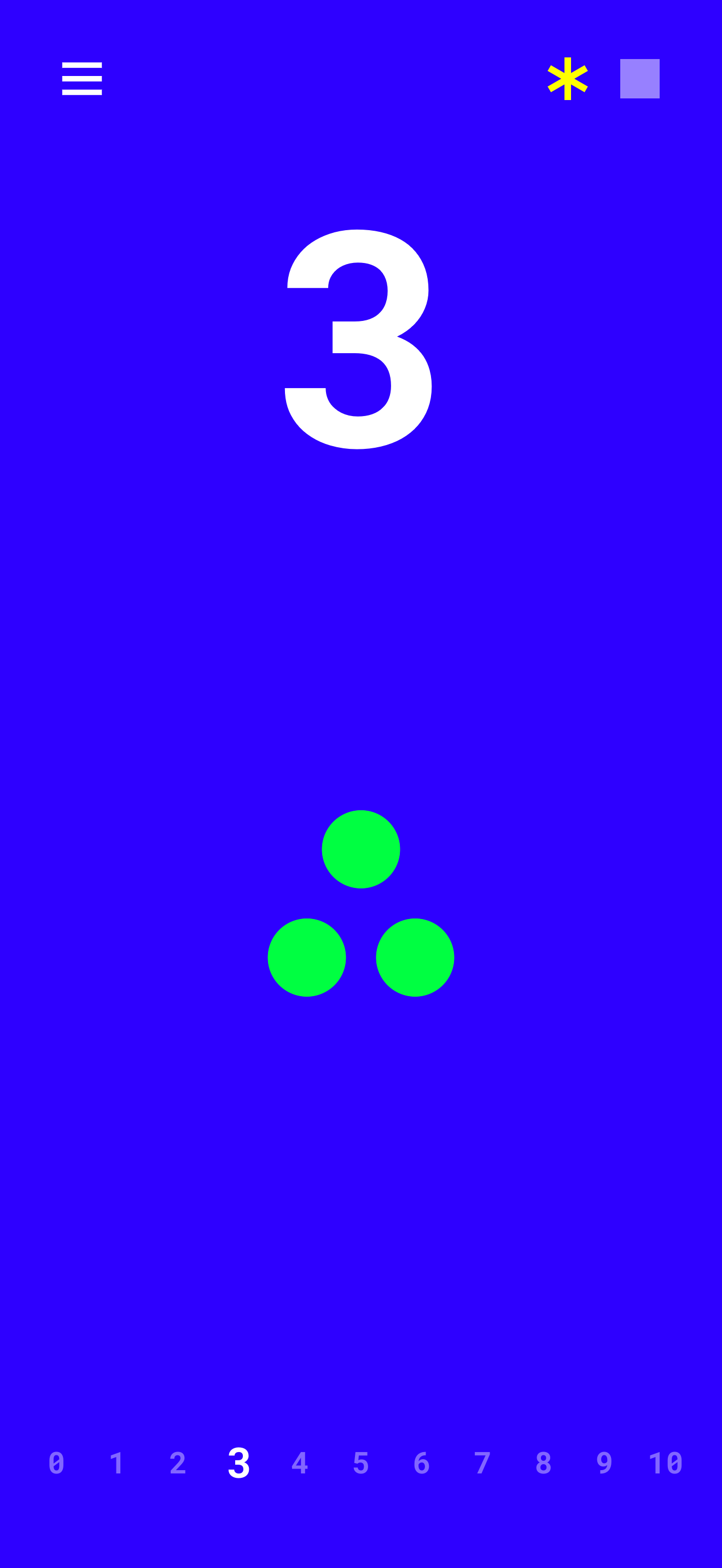
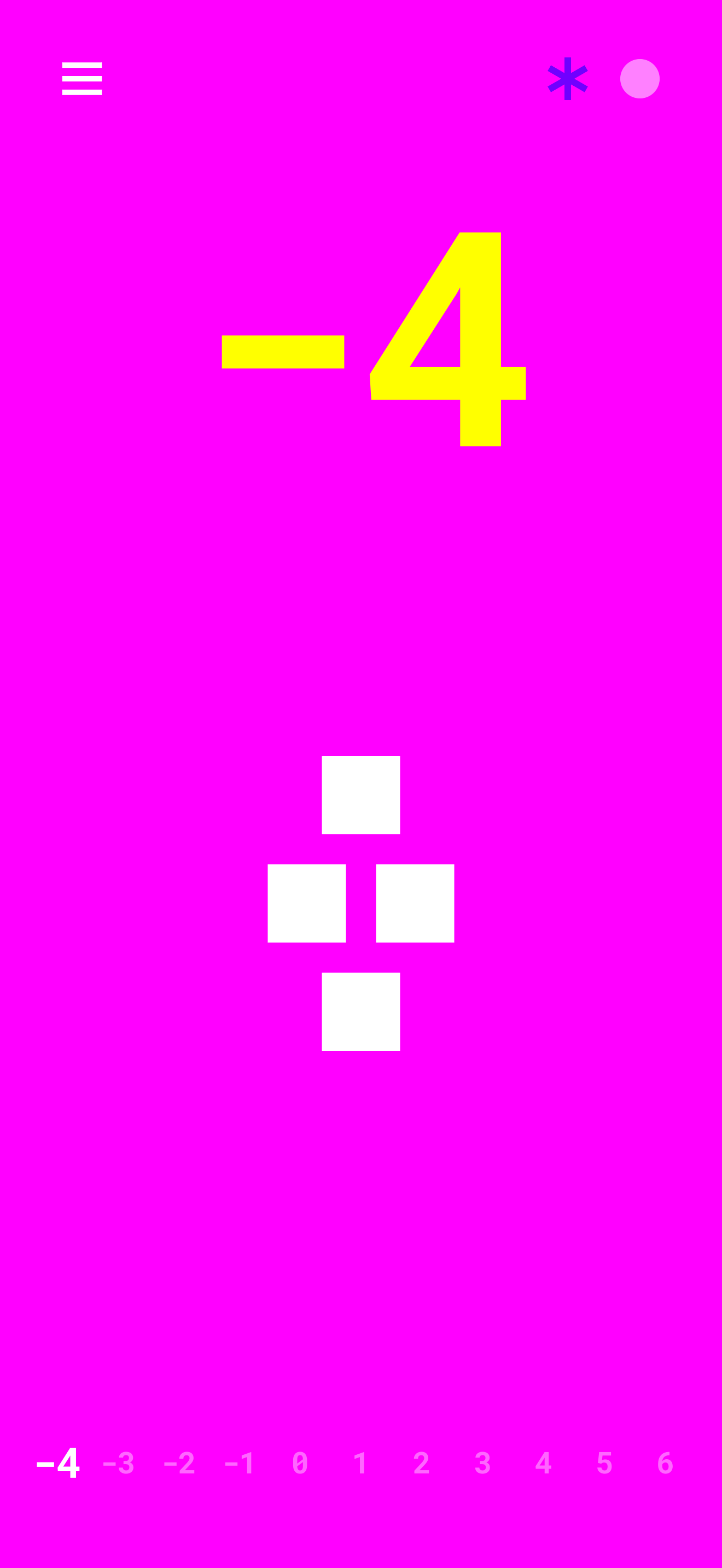
Count from -10 to 10. The big number is shown with that many counters stacked in a triangle, with a number line below. Negative numbers swap the colours so they feel different from positive ones. Switch the counters between circles and squares, or cycle through the colour themes.
Alphabet
Pick any letter from a grid or a ring and see it big, in capital and lowercase. Each letter plays its own bell note, so the alphabet is also a small instrument. Switch the layout, shuffle the grid or spread the ring.
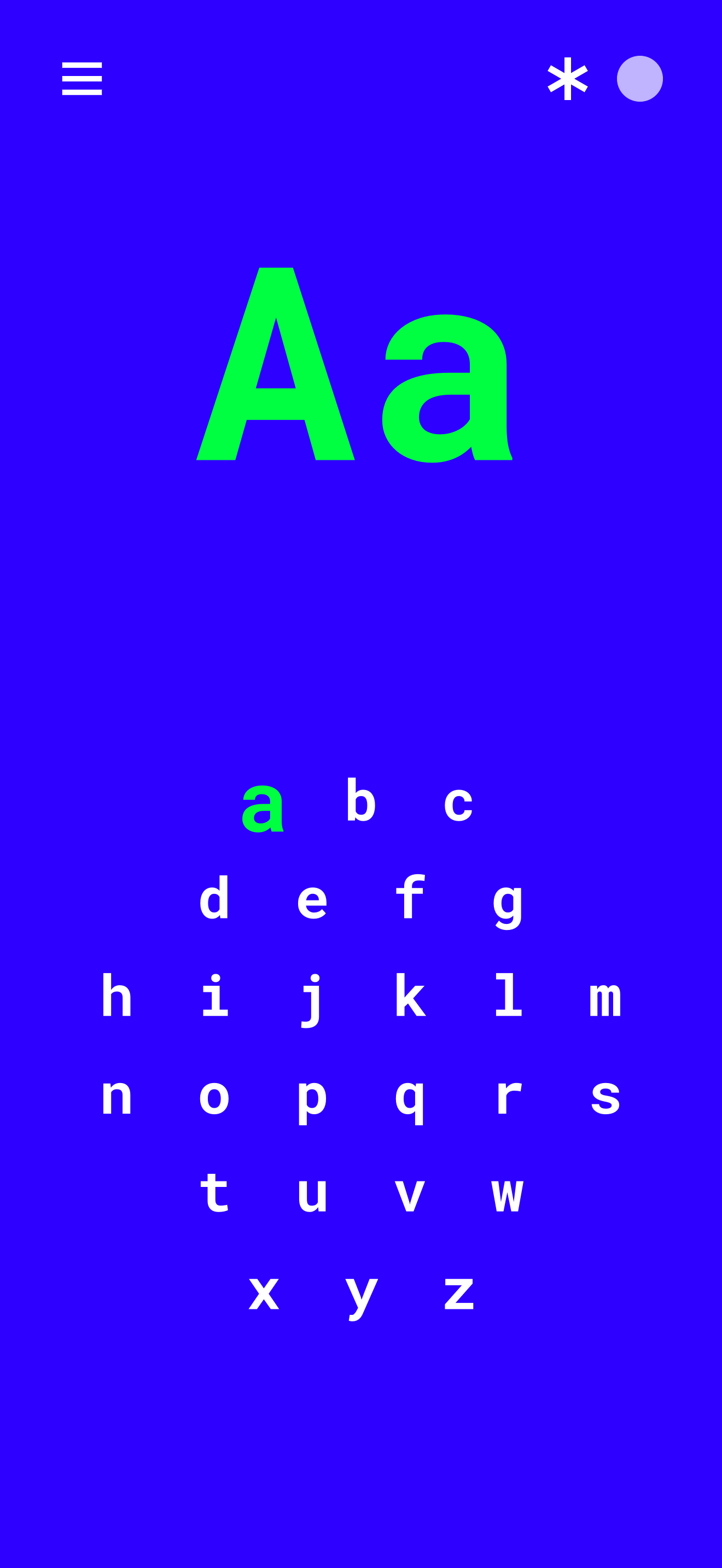
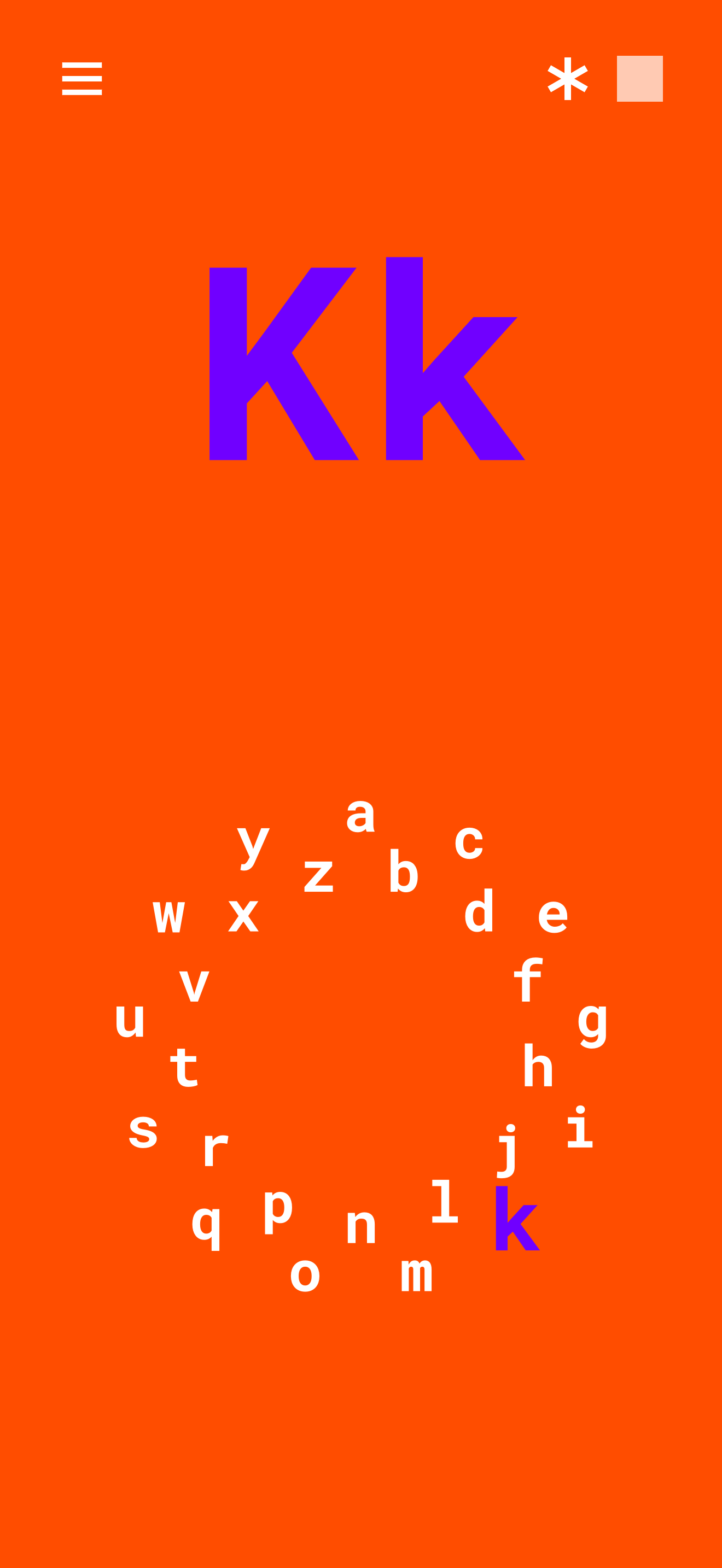
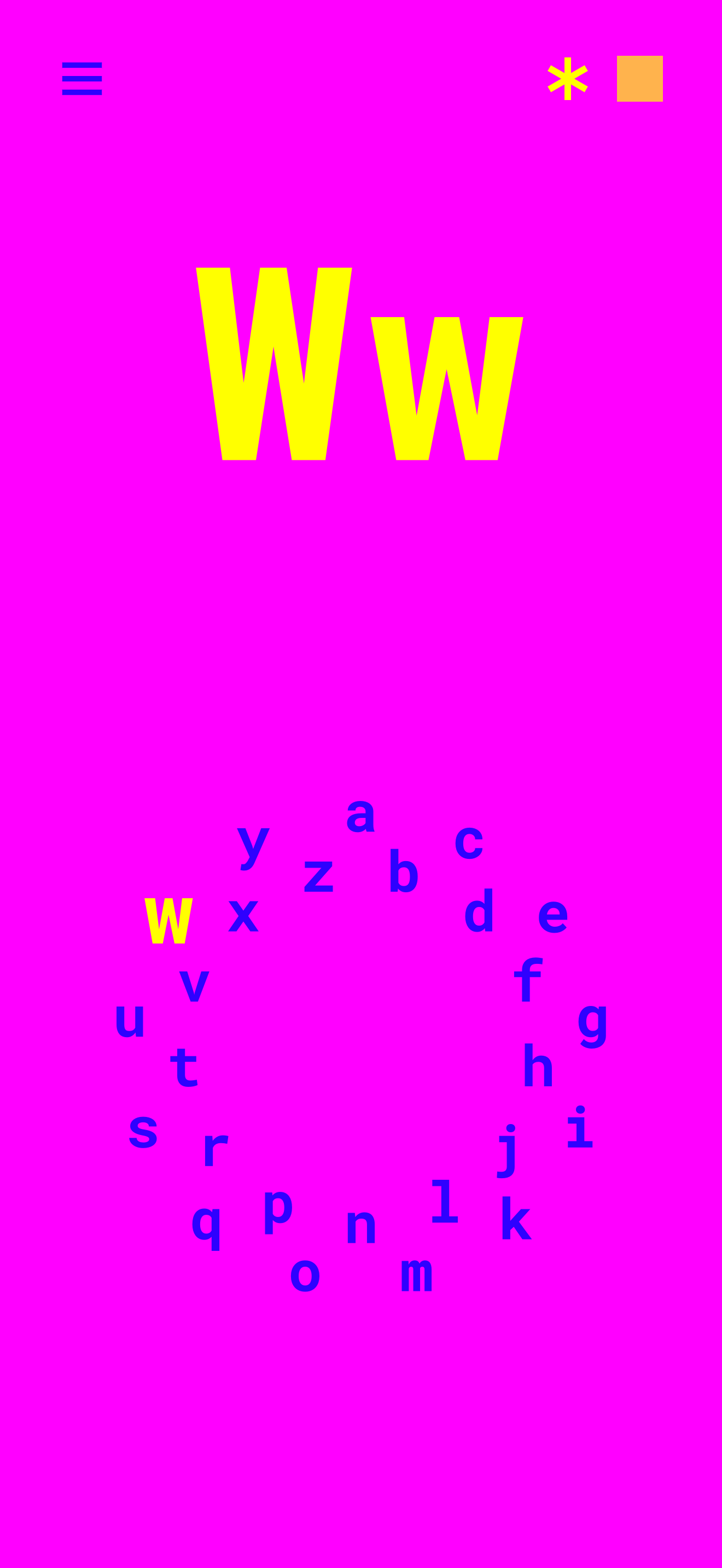
Pulled from a physical object.
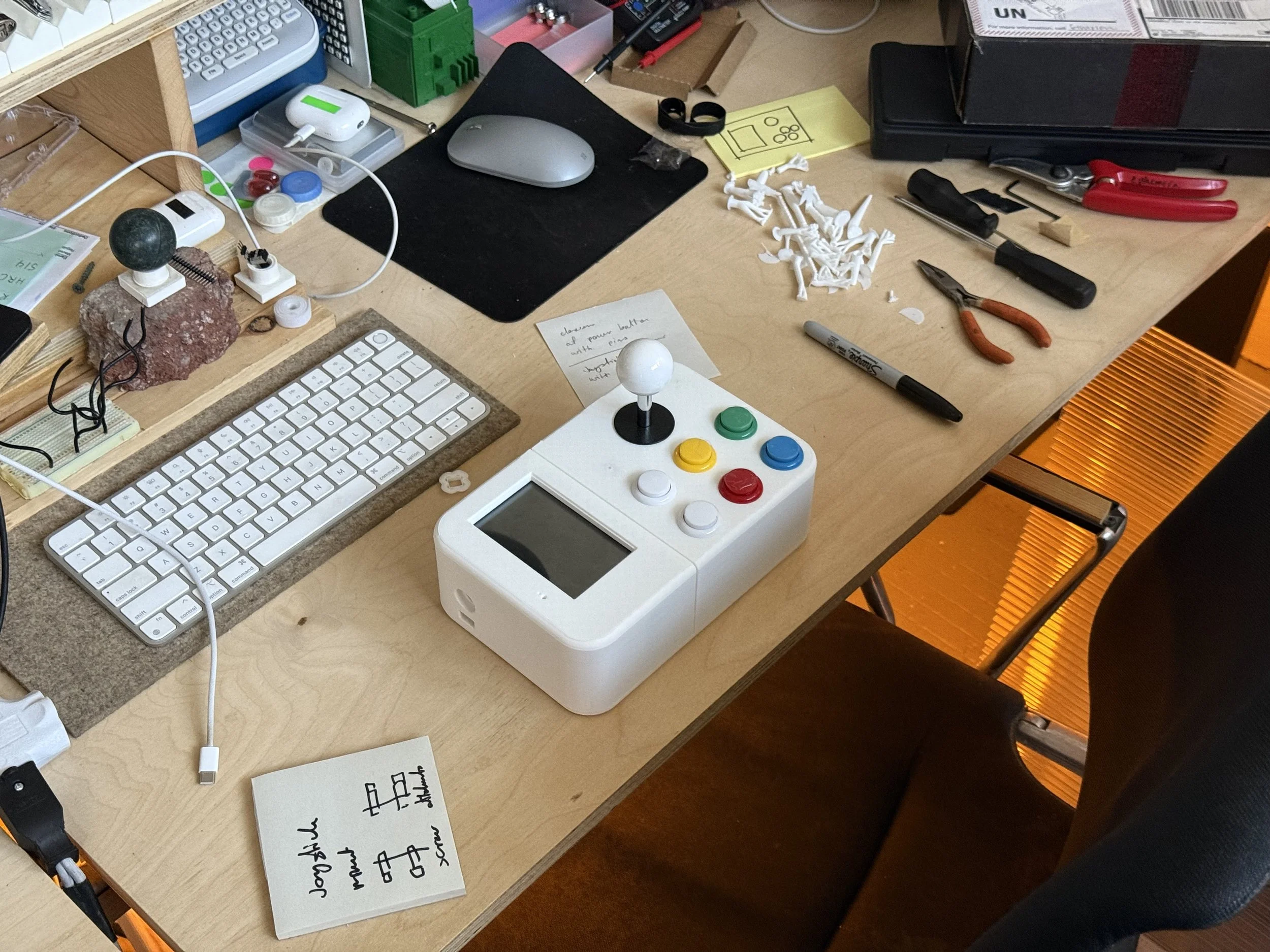
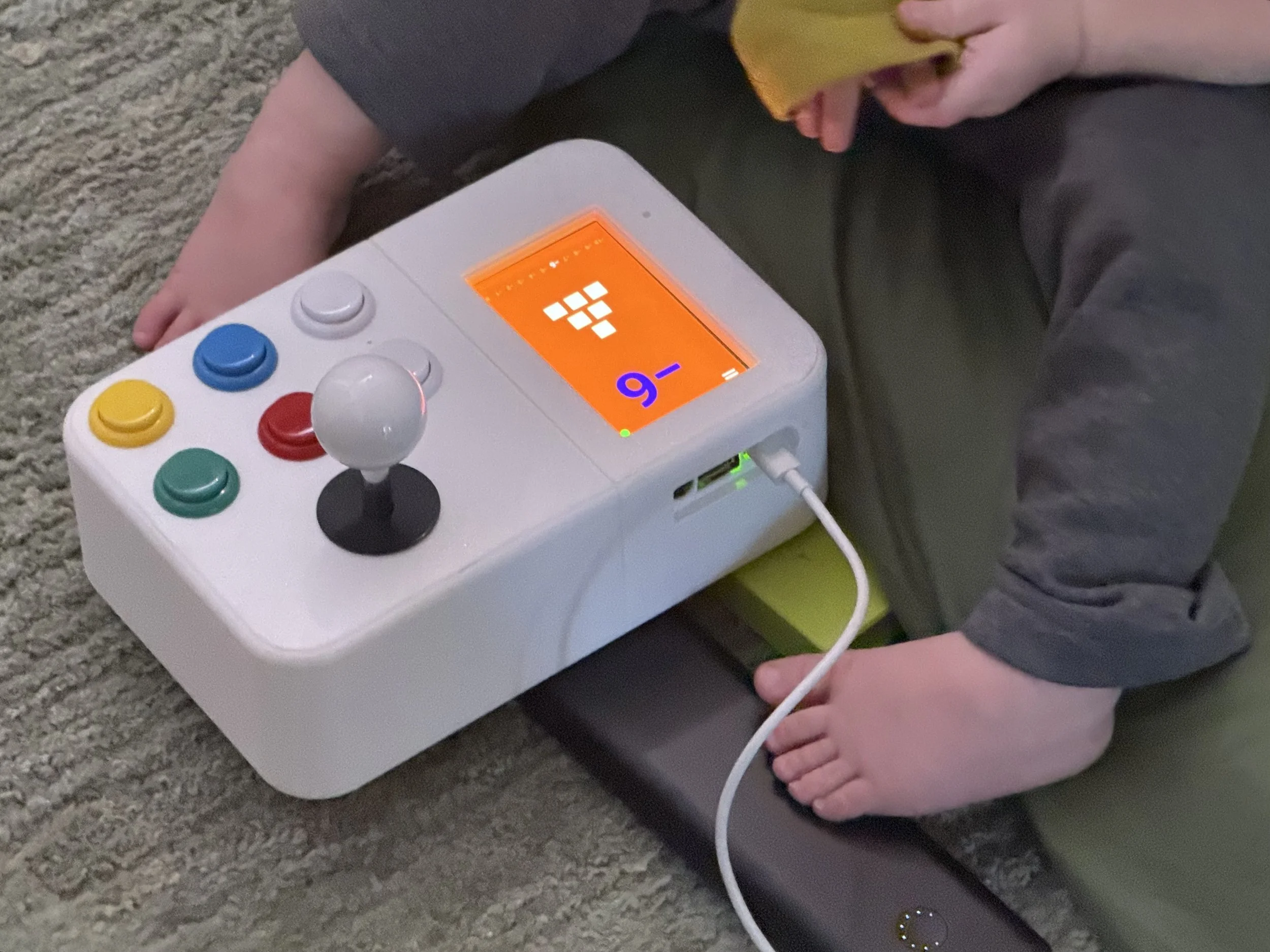
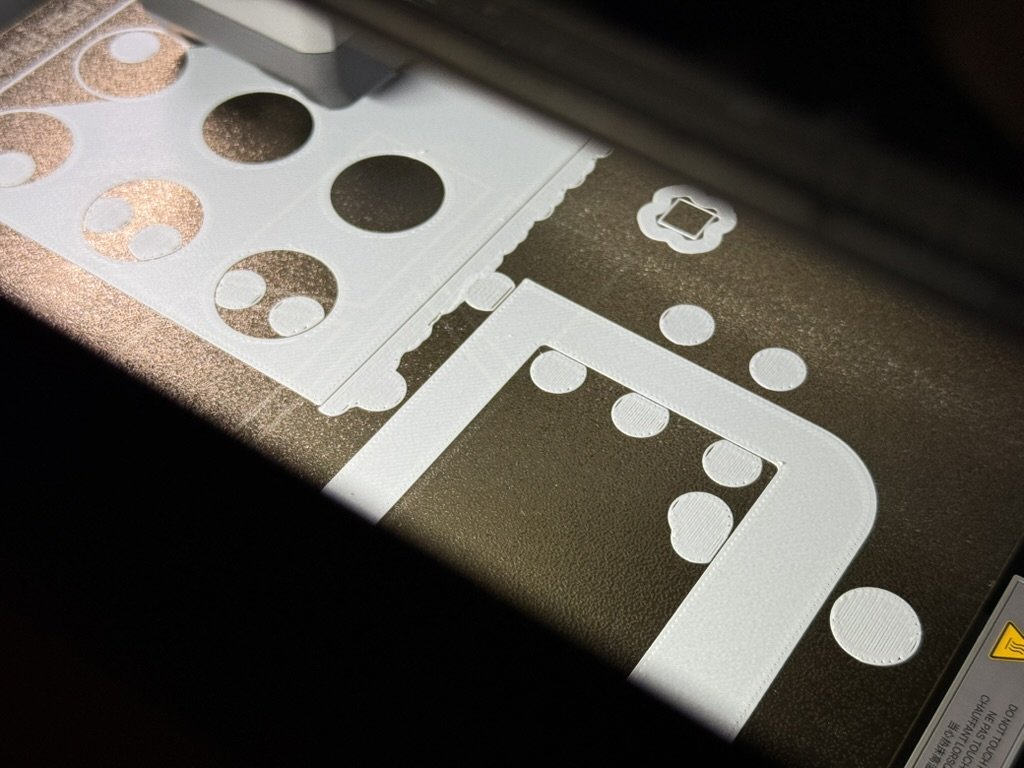
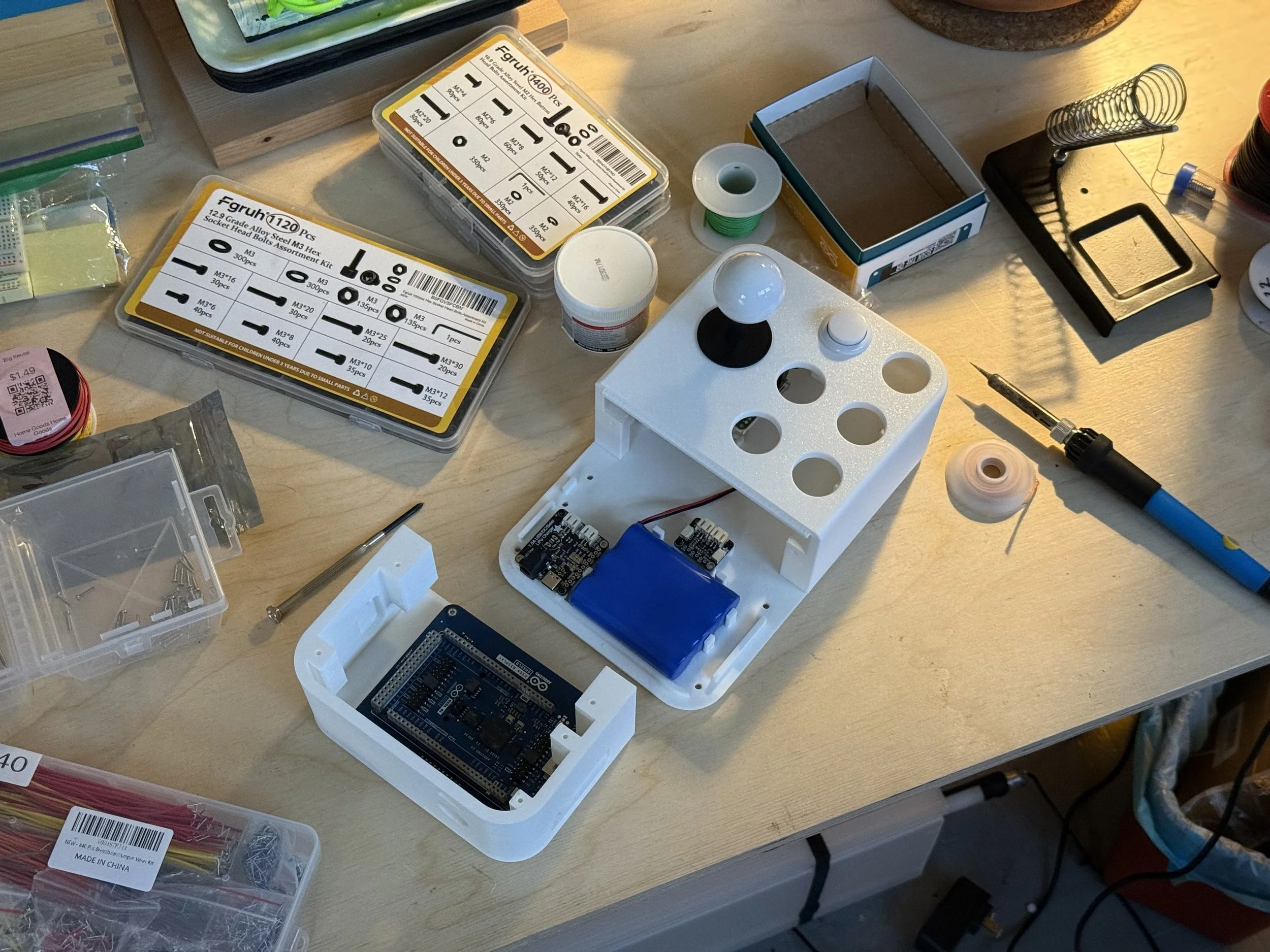
Simple Playthings began as the touch interface of the NV 3000, a handheld I built for my toddler son because he loves pressing buttons. The iPhone and iPad version keeps the same neon themes, the same type and the same sounds, and replaces the device's physical buttons with two touch controls: a dot and an asterisk.
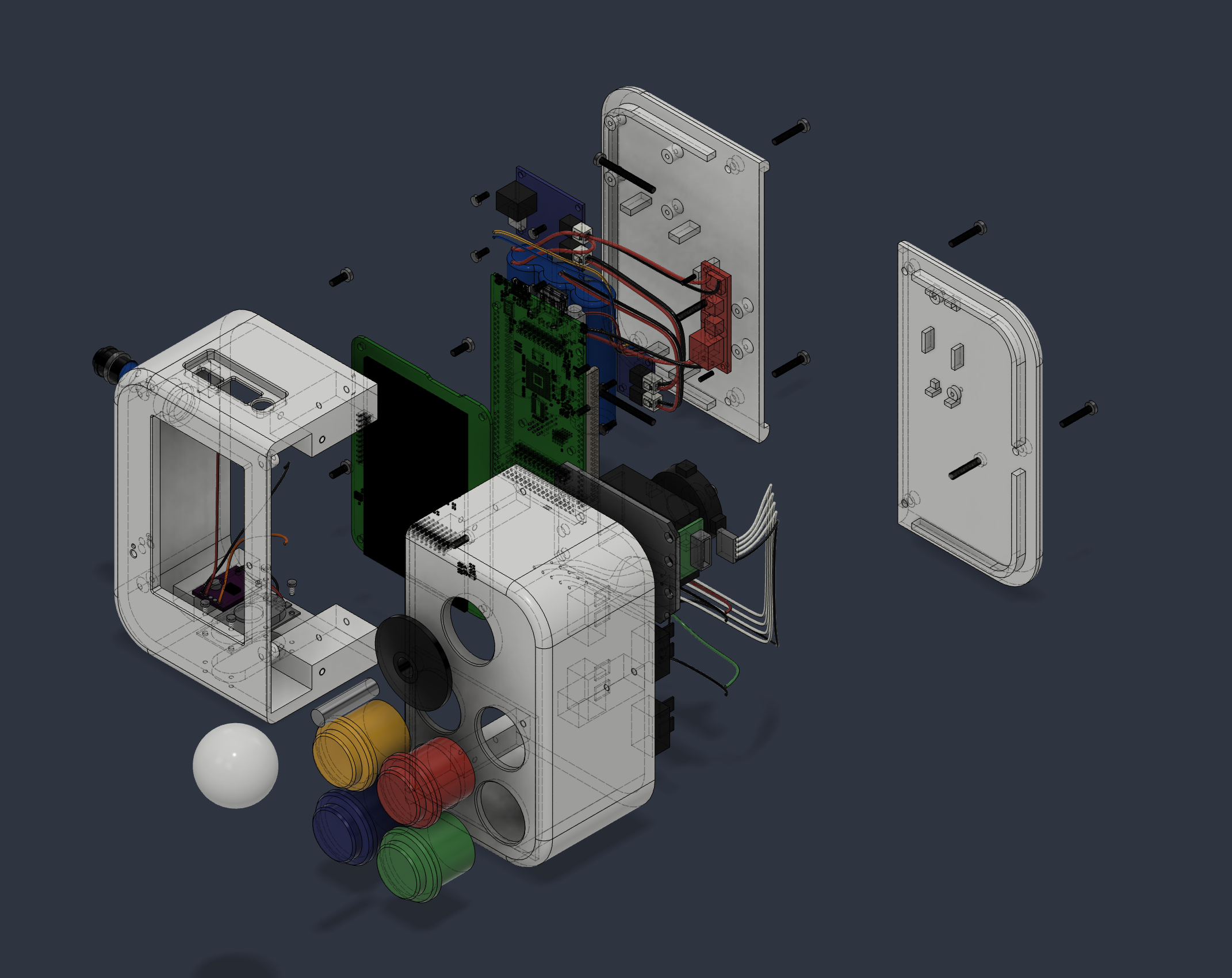
Sound as part of the design.
There are no recorded samples. Every tone is synthesized in code, using sine partials, envelopes and a touch of reverb. A letter, a number or a shape each has its own note, so touching things builds small melodies.
Responsive by layout, not by scaling.
On iPad the screen splits into side-by-side panes. On iPhone the panes stack. Drawing is in points, so the shapes stay crisp at any size, in any orientation.