Simple Playthings
A box of small, calm toys for tapping, swiping and listening
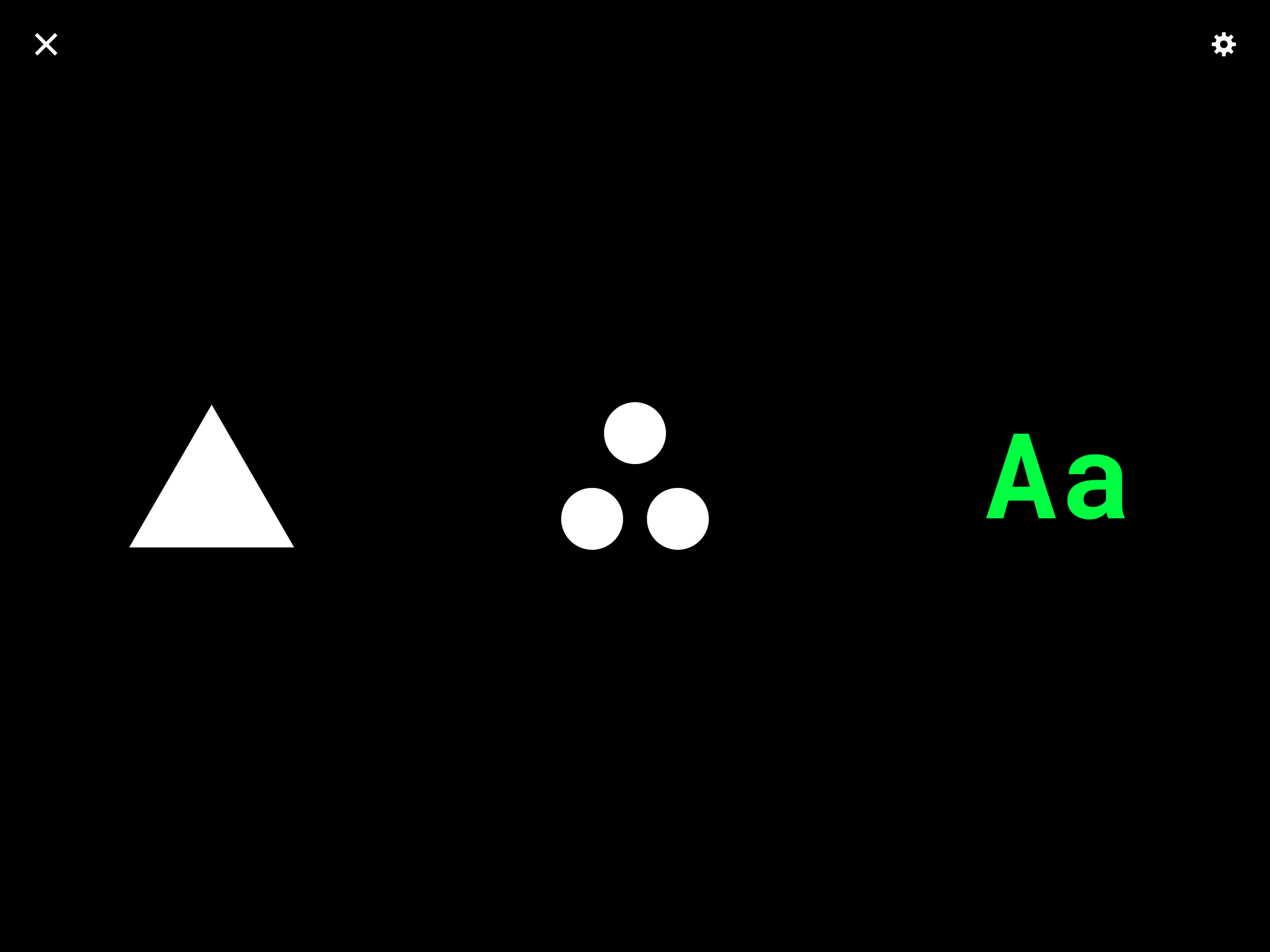
Shapes, Integers, Alphabet. No ads, no accounts, no tracking. First prototyped on the web, then built into a handheld device for my son, and now an iOS app for iPhone and iPad for others to enjoy. Download Simple Playthings on the App Store.
The idea
Most apps for small children are loud, busy and built to hold attention. I wanted the opposite: a few simple objects that respond when you touch them, and nothing else.
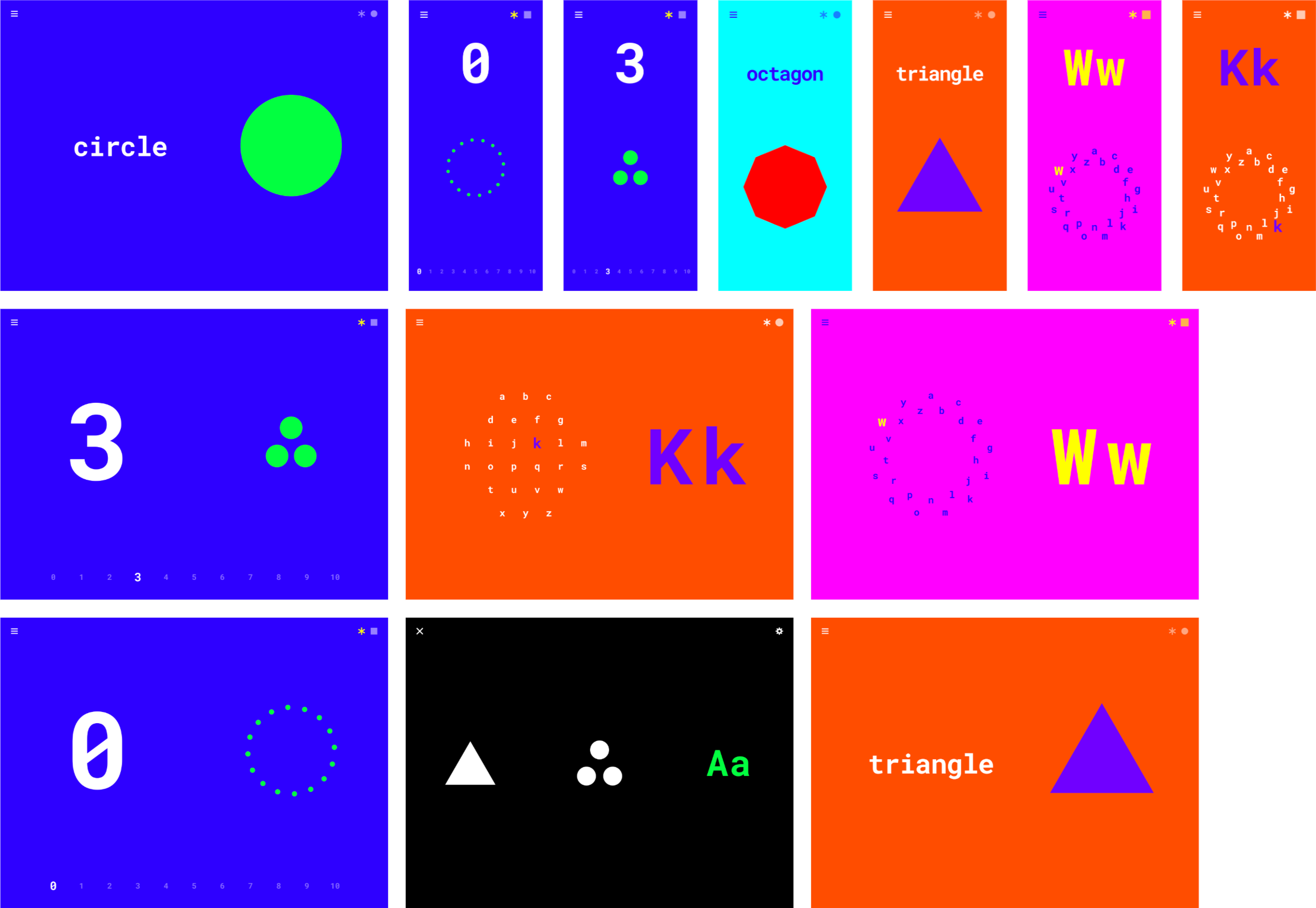
Simple Playthings is three toys in one app. Everything is a tap or a swipe. Every change has a colour, a motion and a sound. There is nothing to read, nothing to buy and nothing to sign into.
Background
I started Simple Playthings in the first few months of my son’s life, much of it overnight while he slept on me during my paternity leave. Working one-handed, in short stretches, I built the shapes, the numbers and the letters as separate web prototypes, one note and one colour theme at a time.
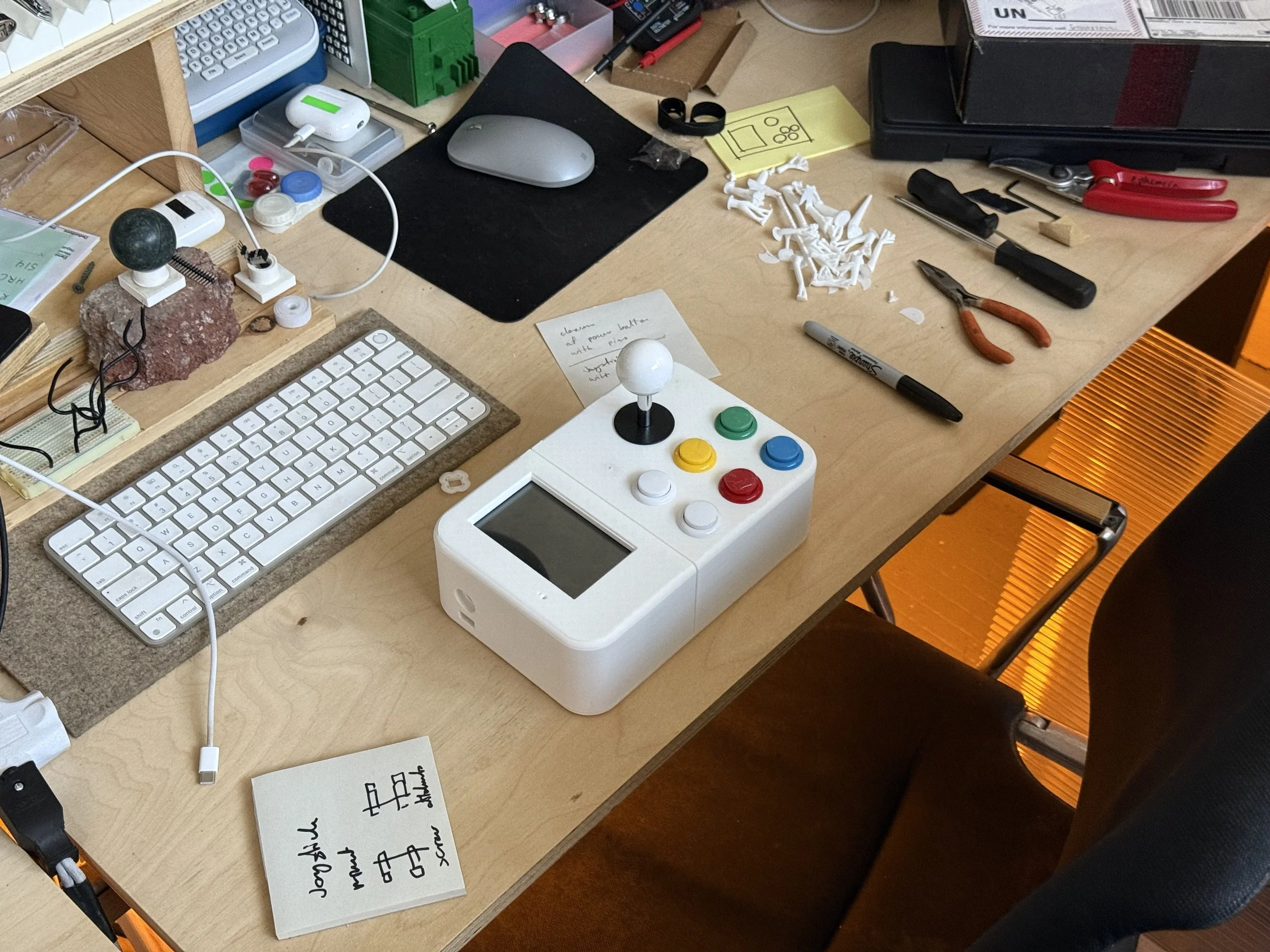
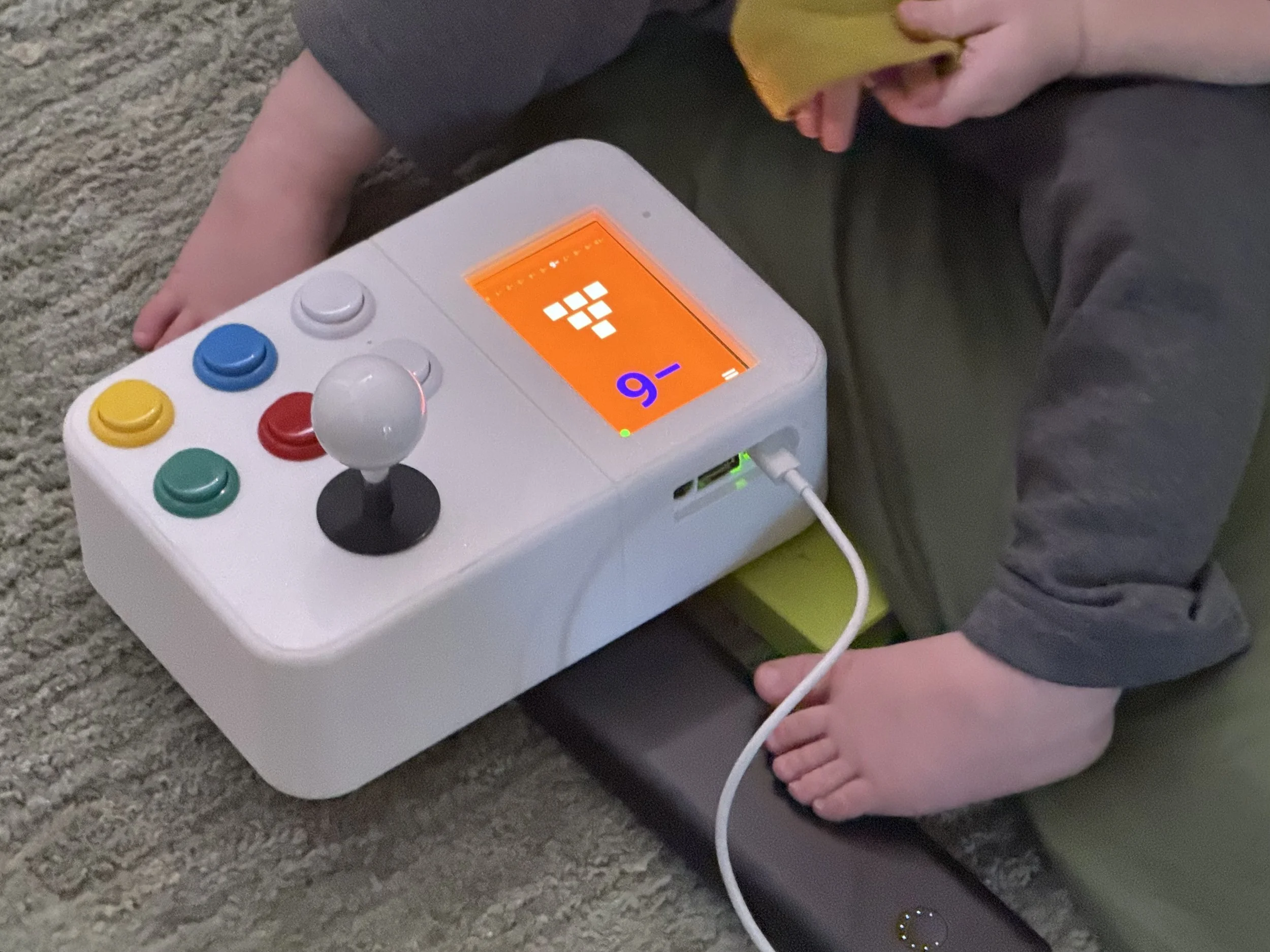
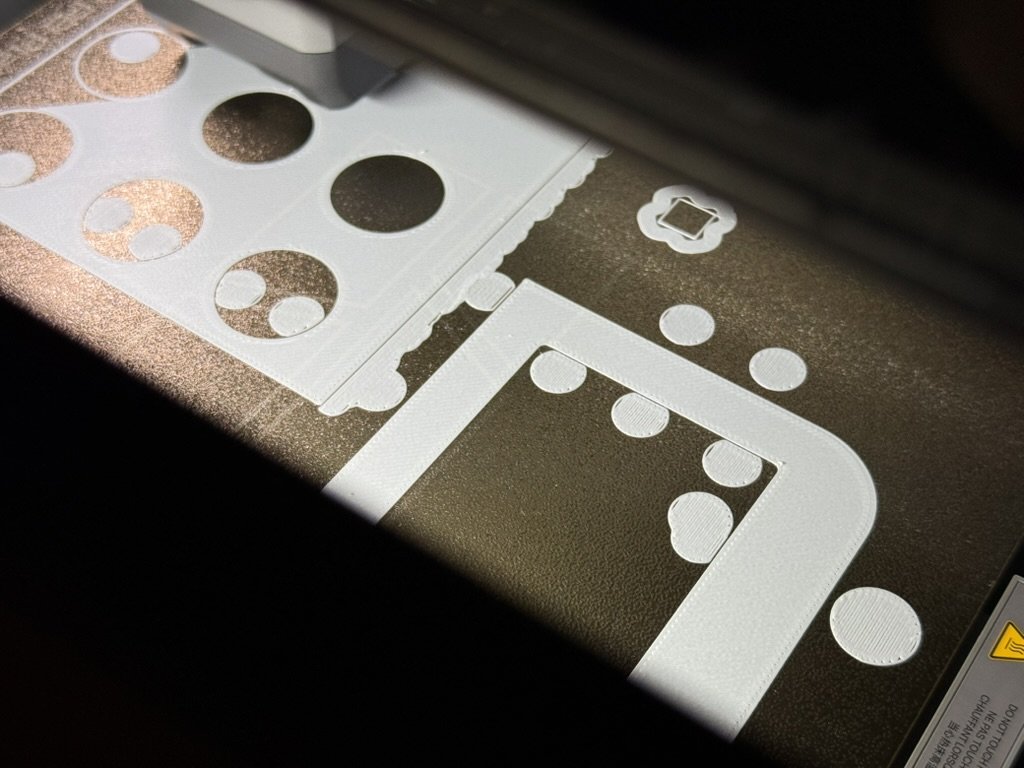
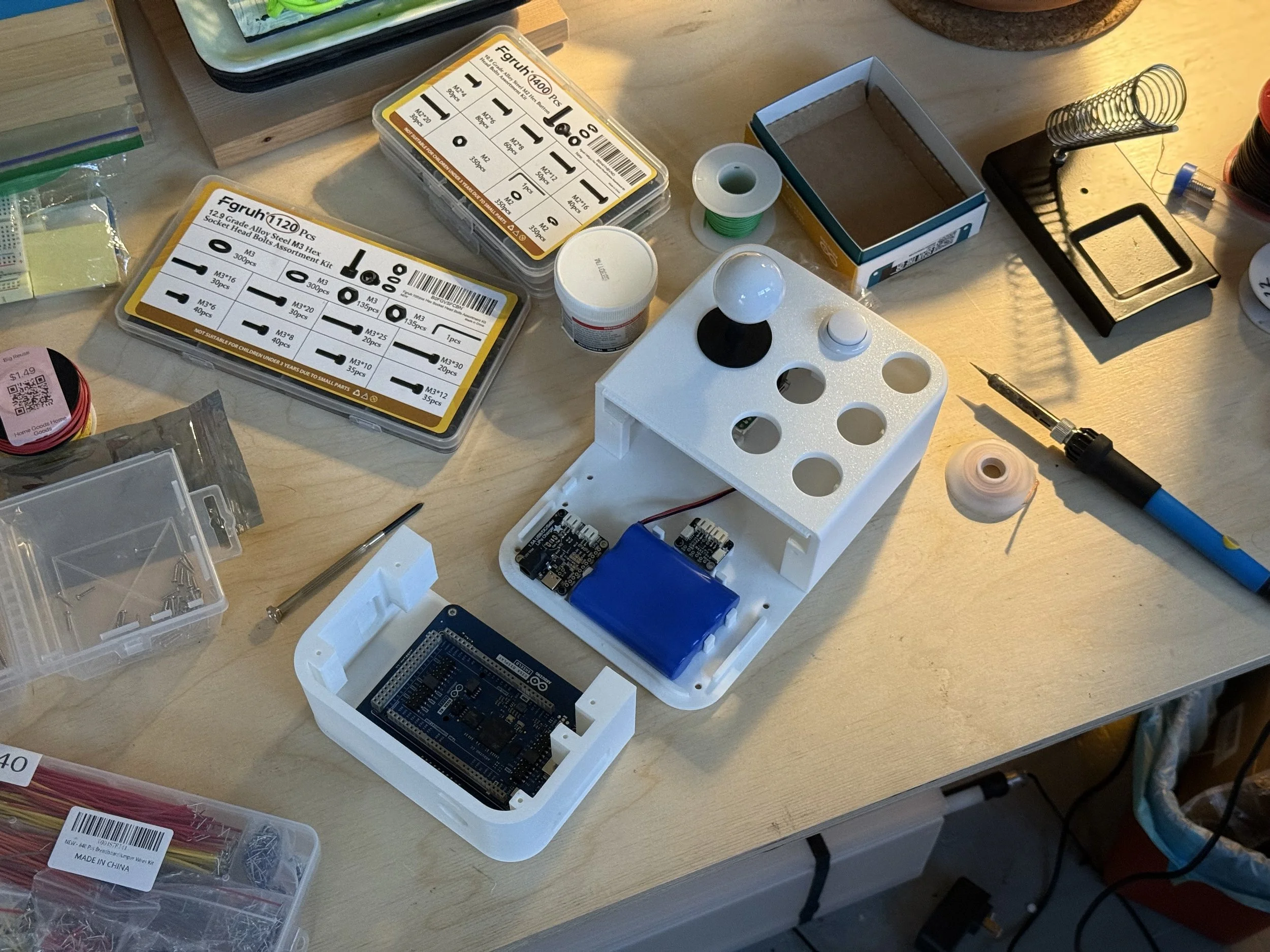
As he got older, it became clear he loves pressing buttons. So around his first birthday I moved the prototypes into a physical object: the NV 3000, a small handheld with a screen, a joystick and chunky arcade buttons. He was so taken with it that I brought all three toys together in one app for iPhone and iPad, so other kids could play with them too.
I made it for what comes next. As he becomes more aware of his senses, I wanted a few simple objects waiting for him: things that answer a touch with a colour, a motion and a sound, and ask nothing back.
The Three Toys
Shapes
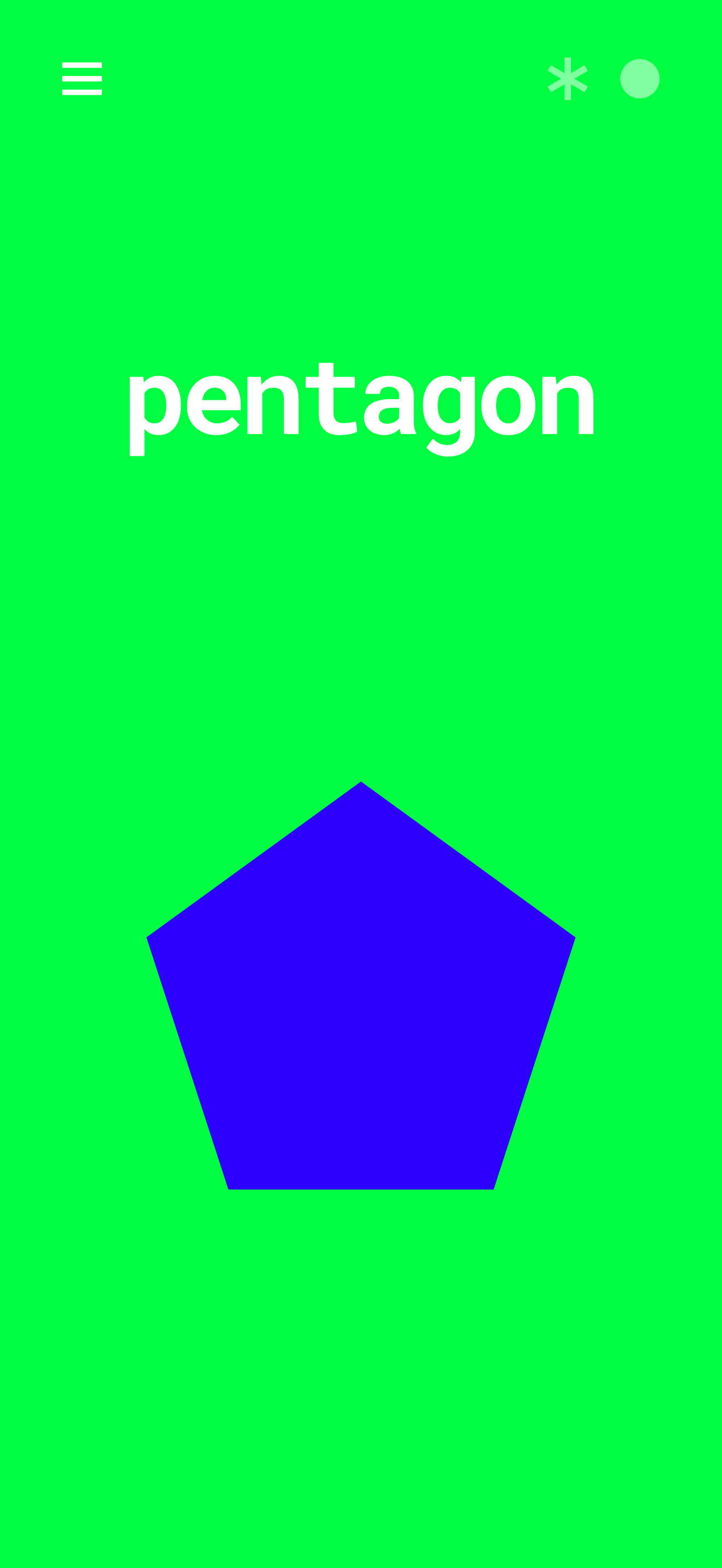
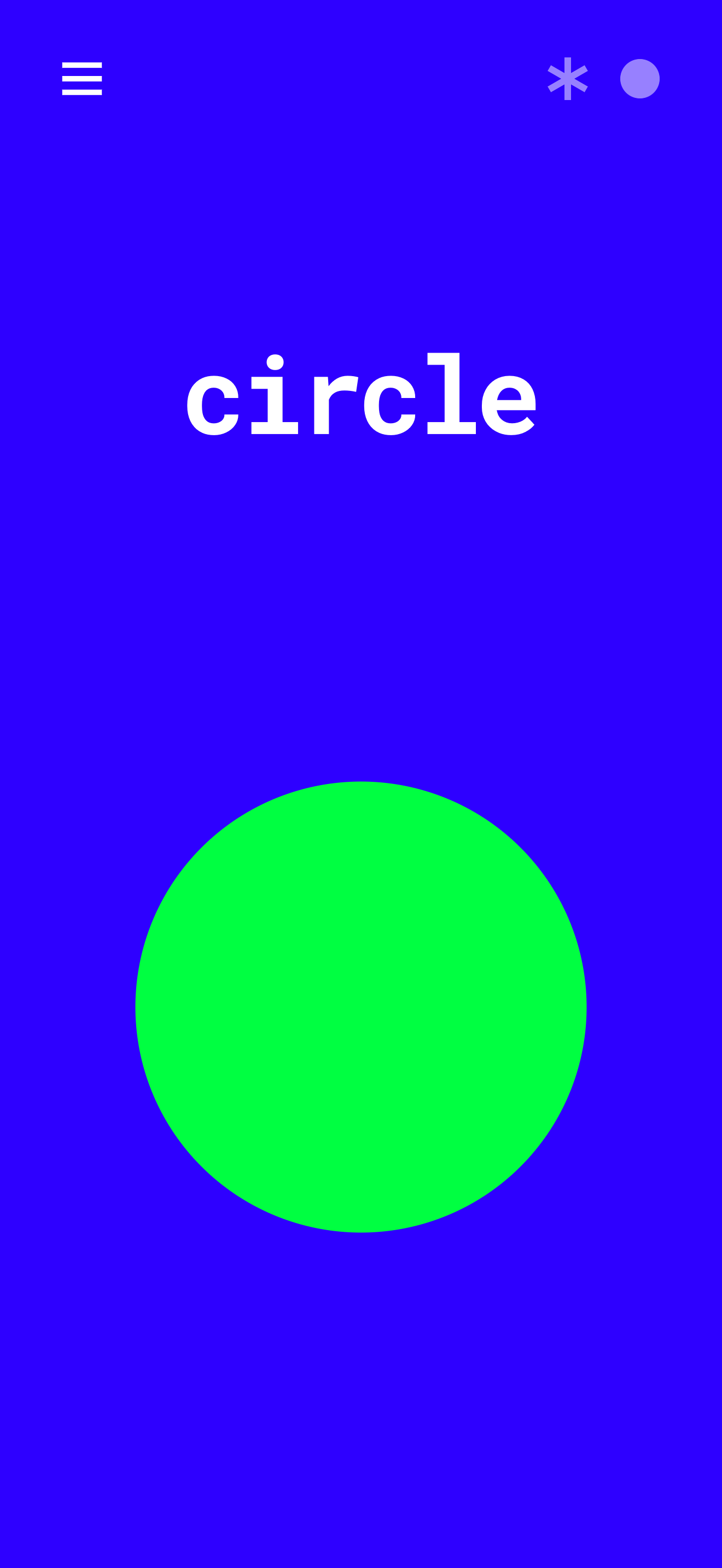
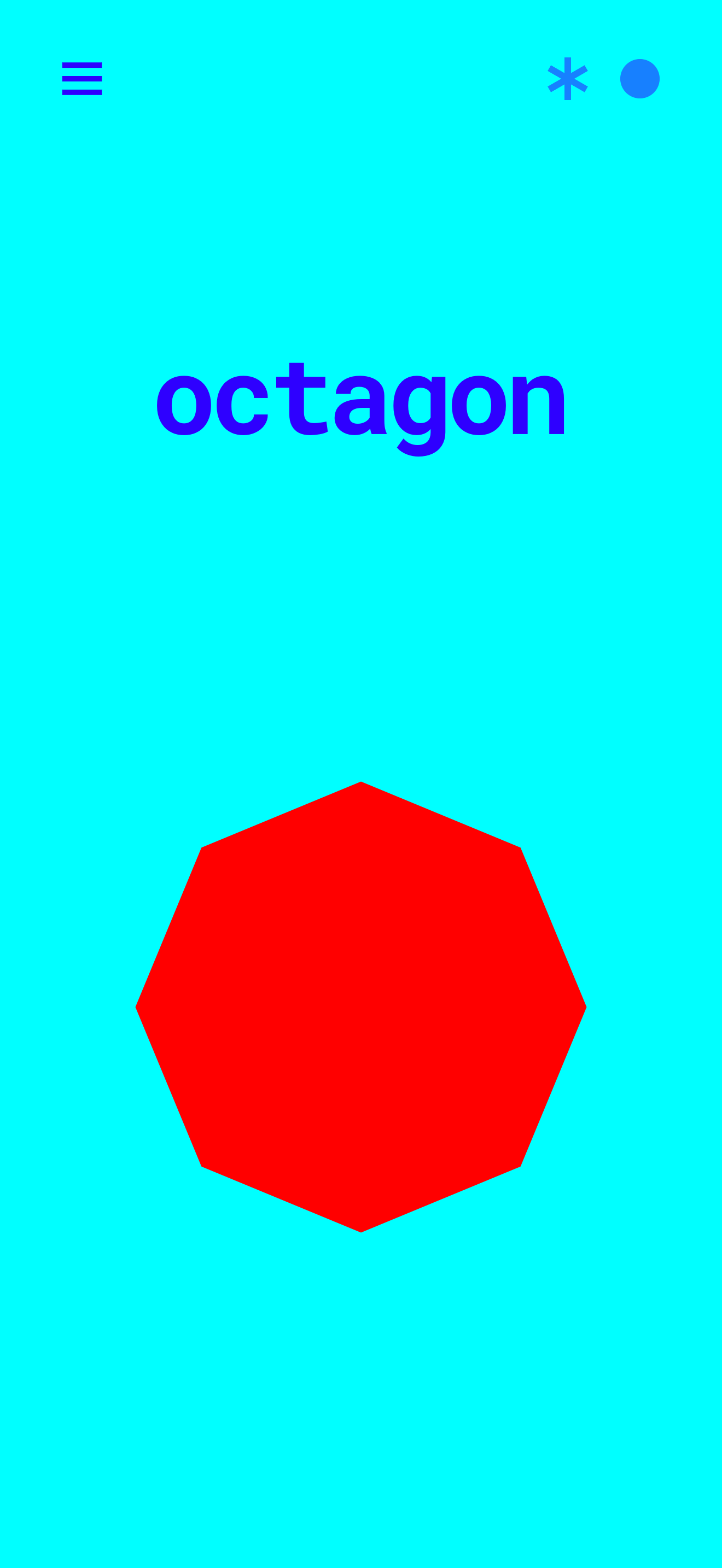
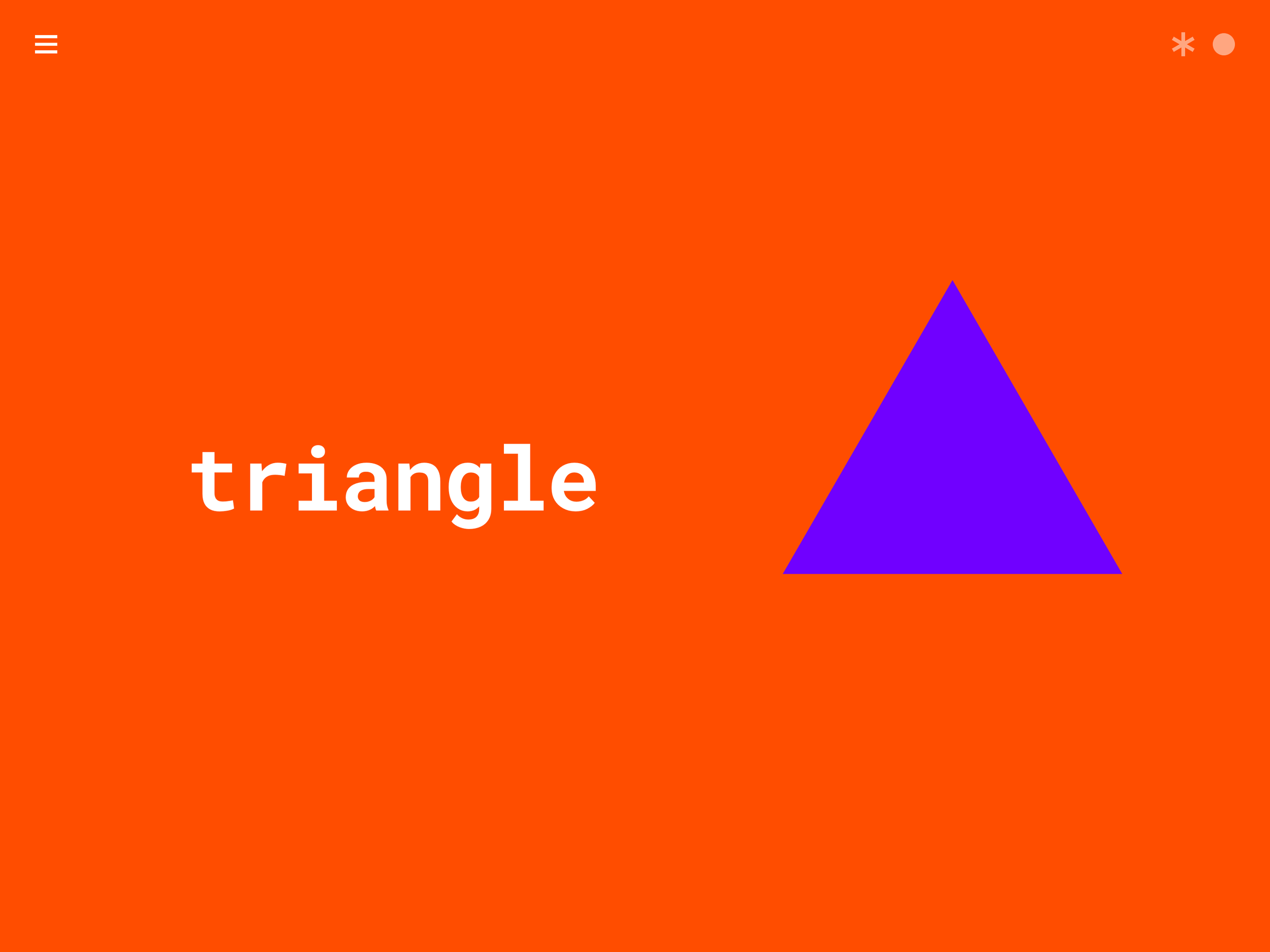
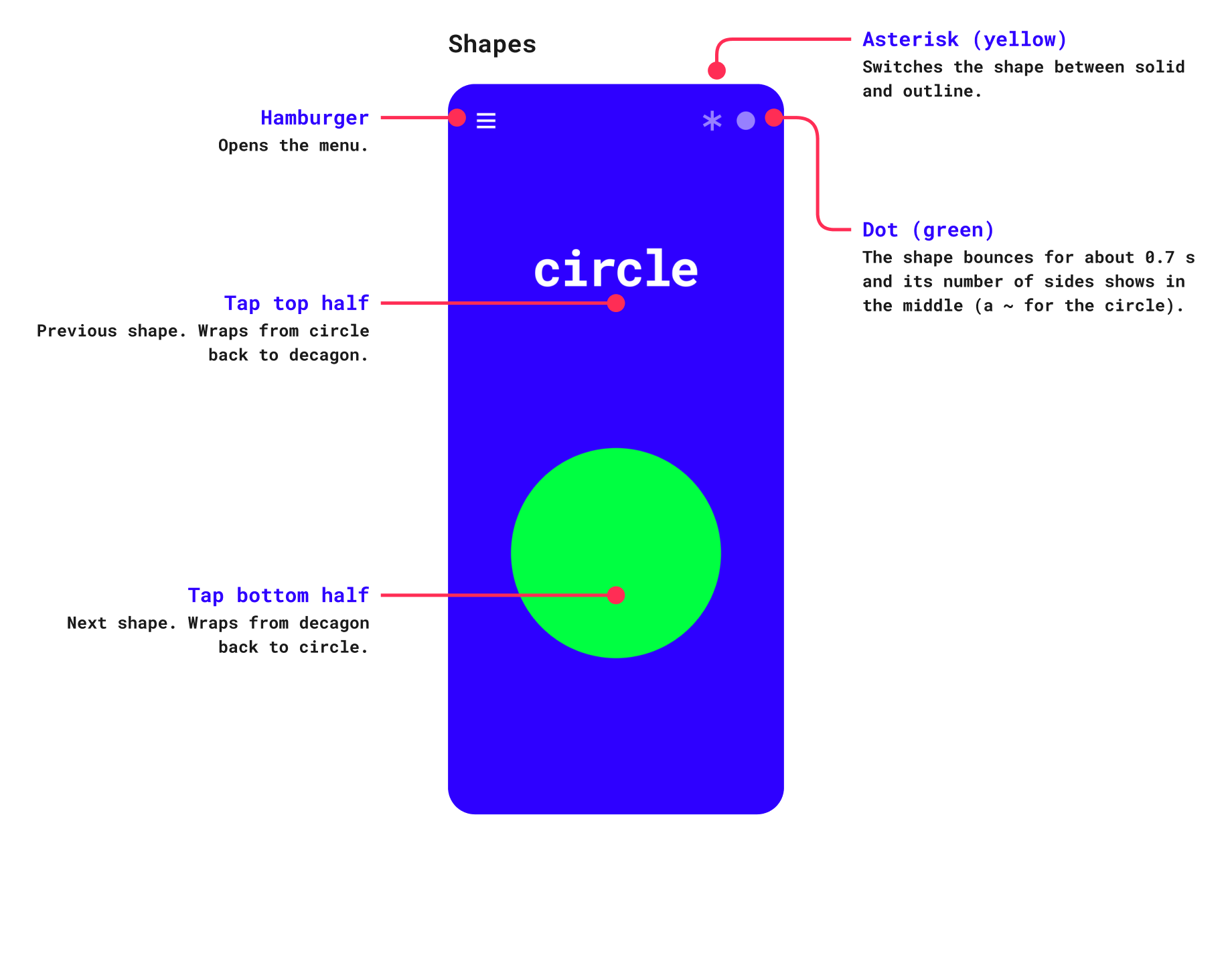
Swipe through shapes from the triangle up to the decagon. Each shape has its own neon colours and its own tone, and its name is shown on screen. Two corner buttons change the colours or spin the shape.
Integers
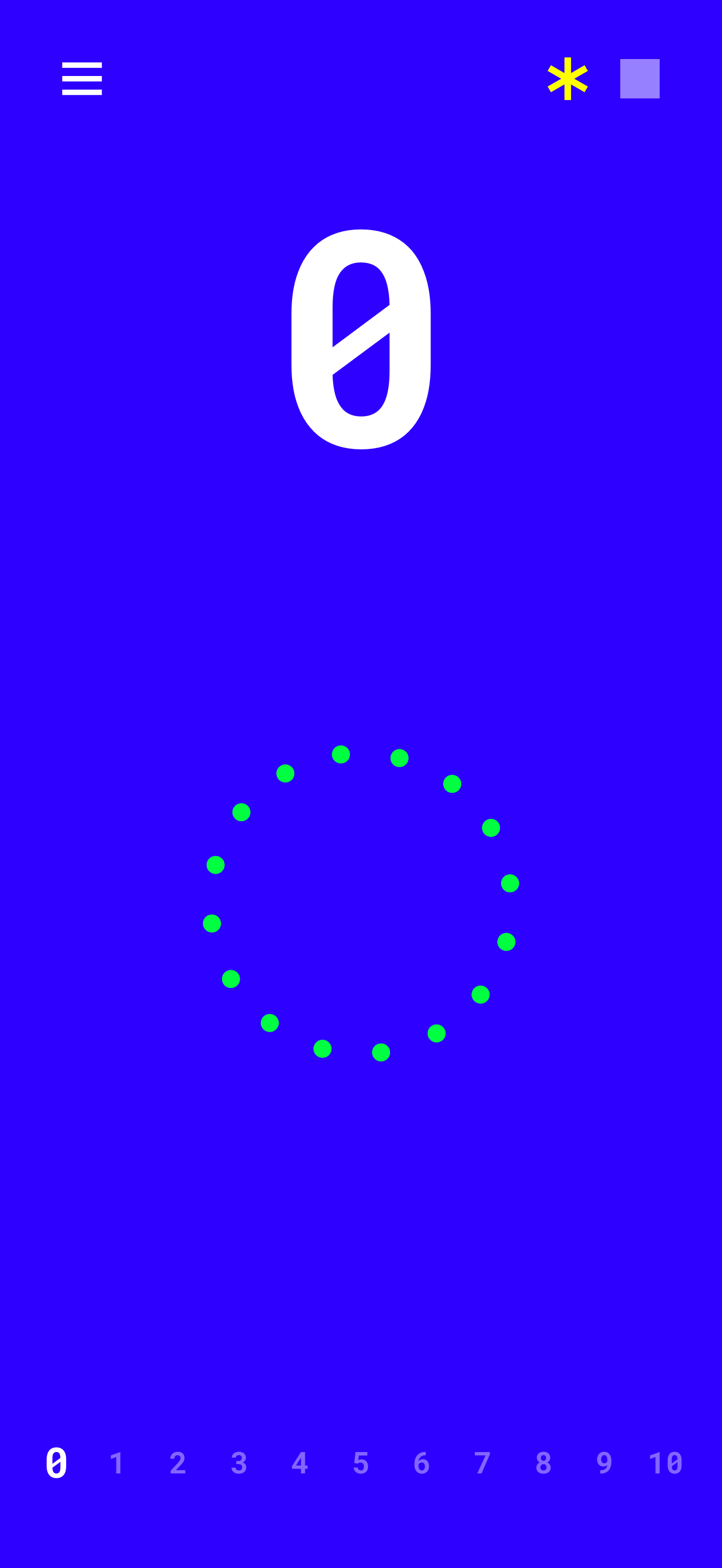
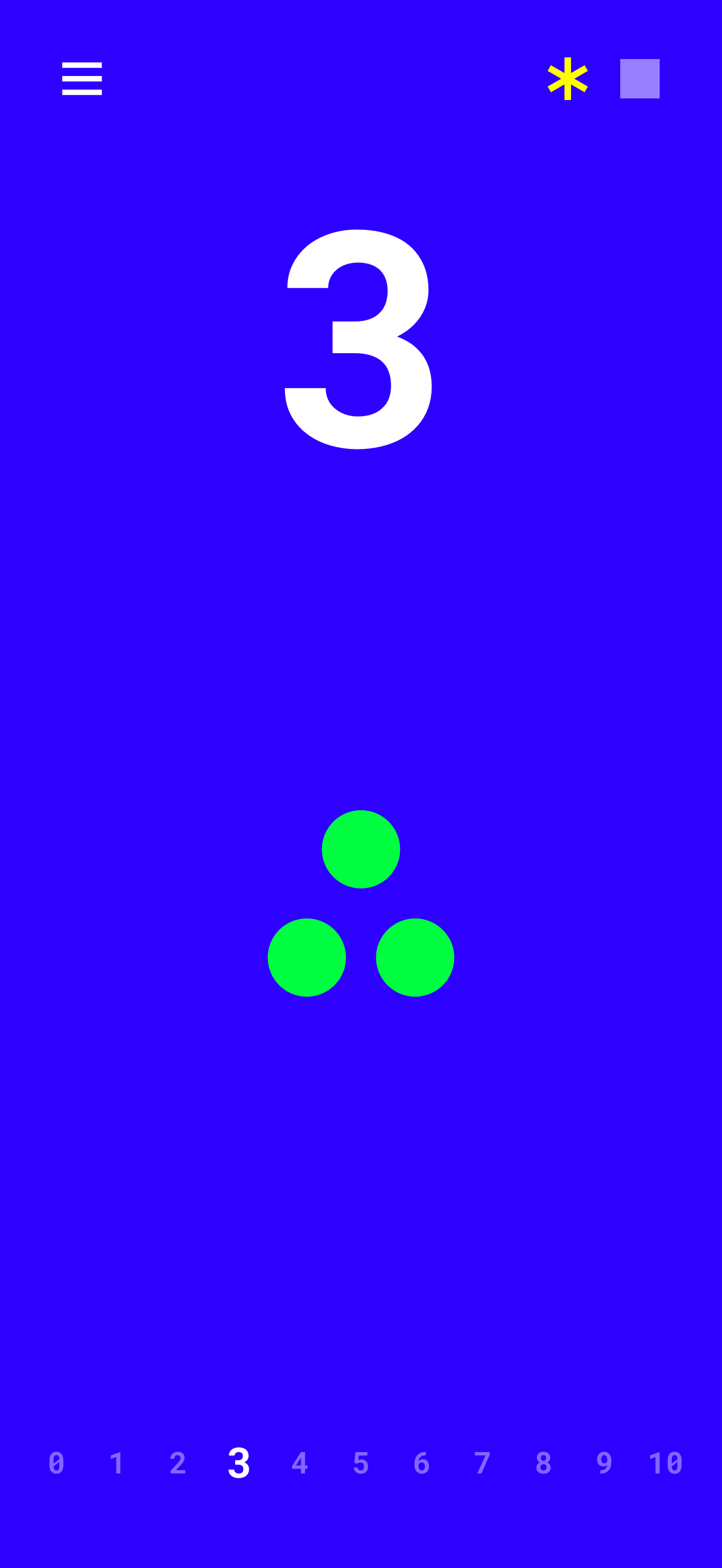
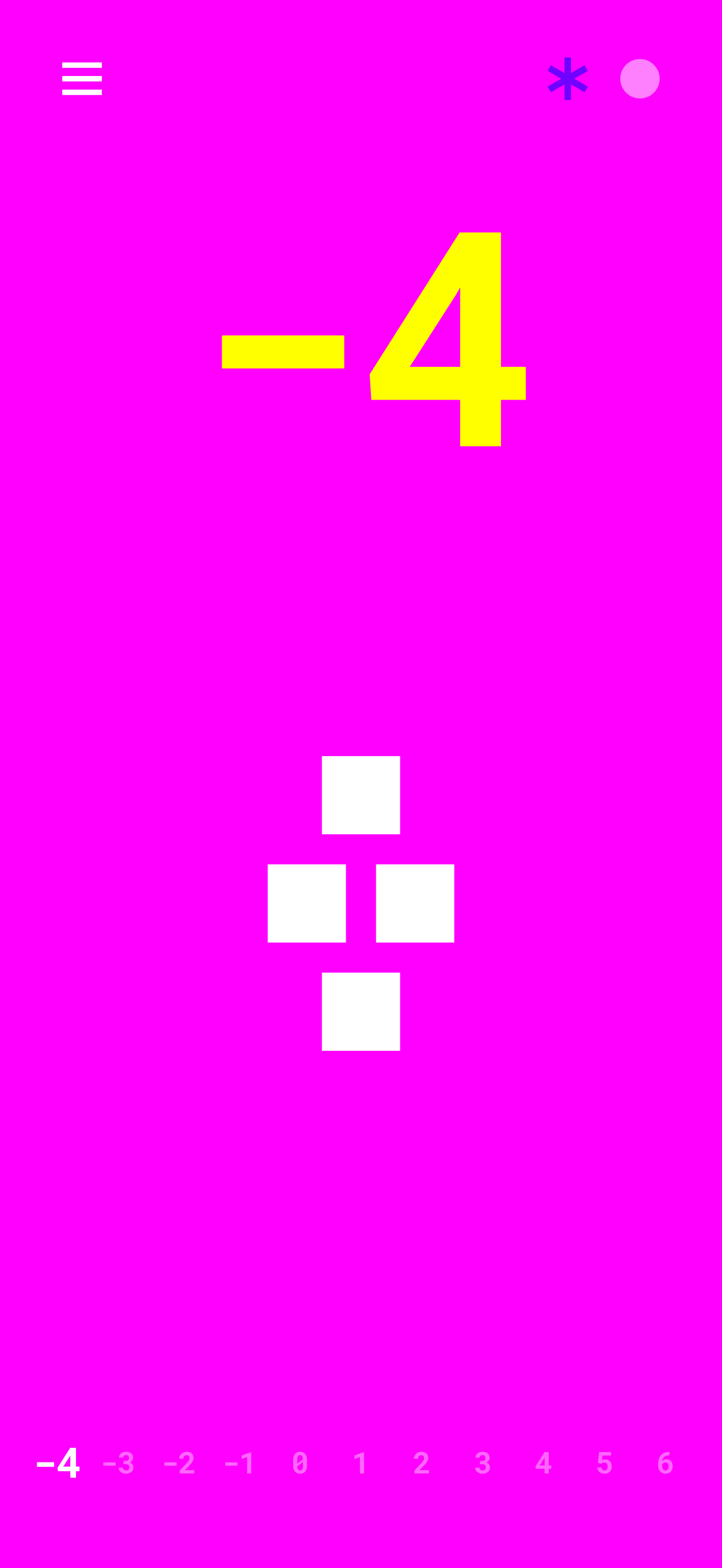
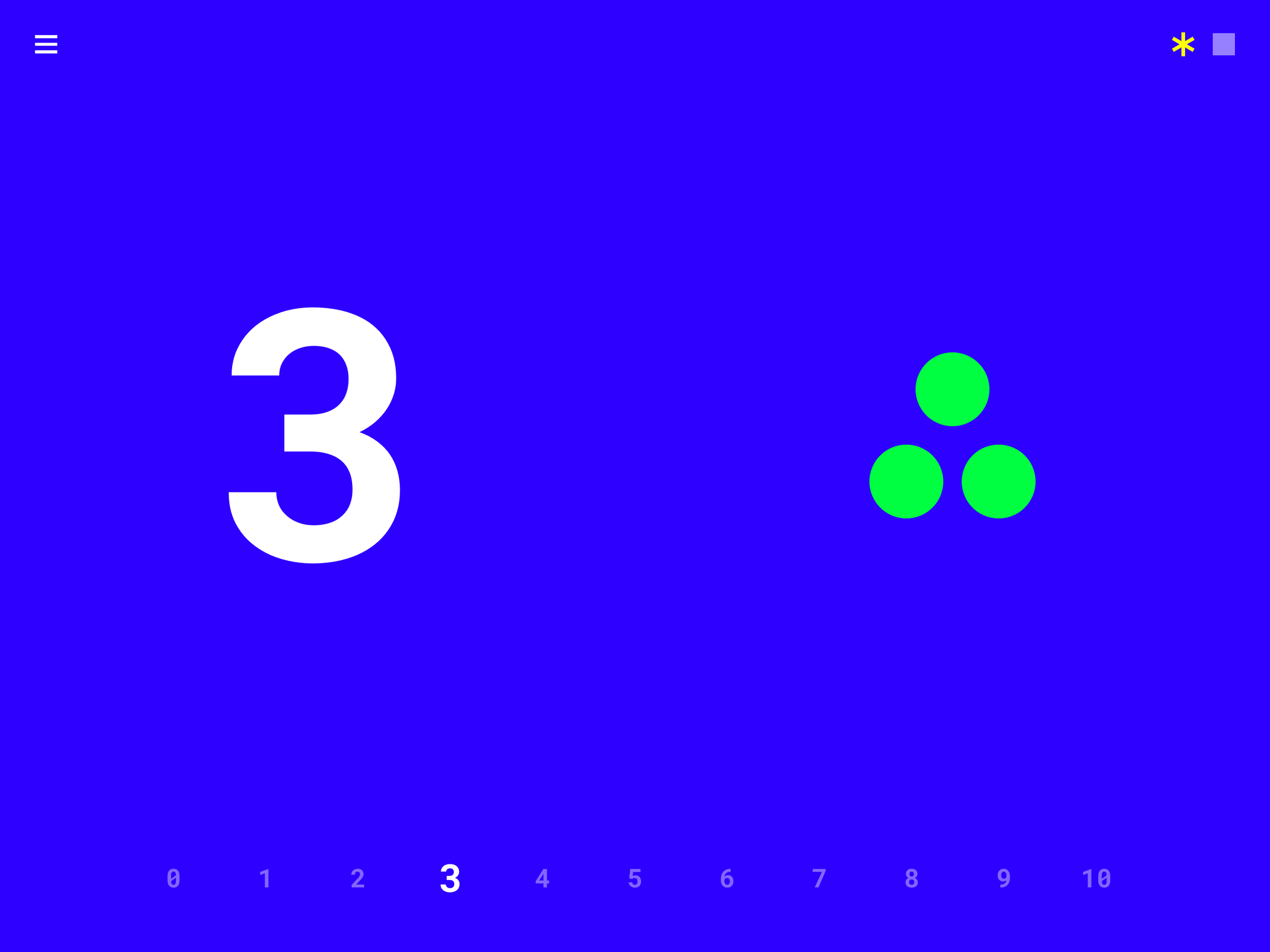
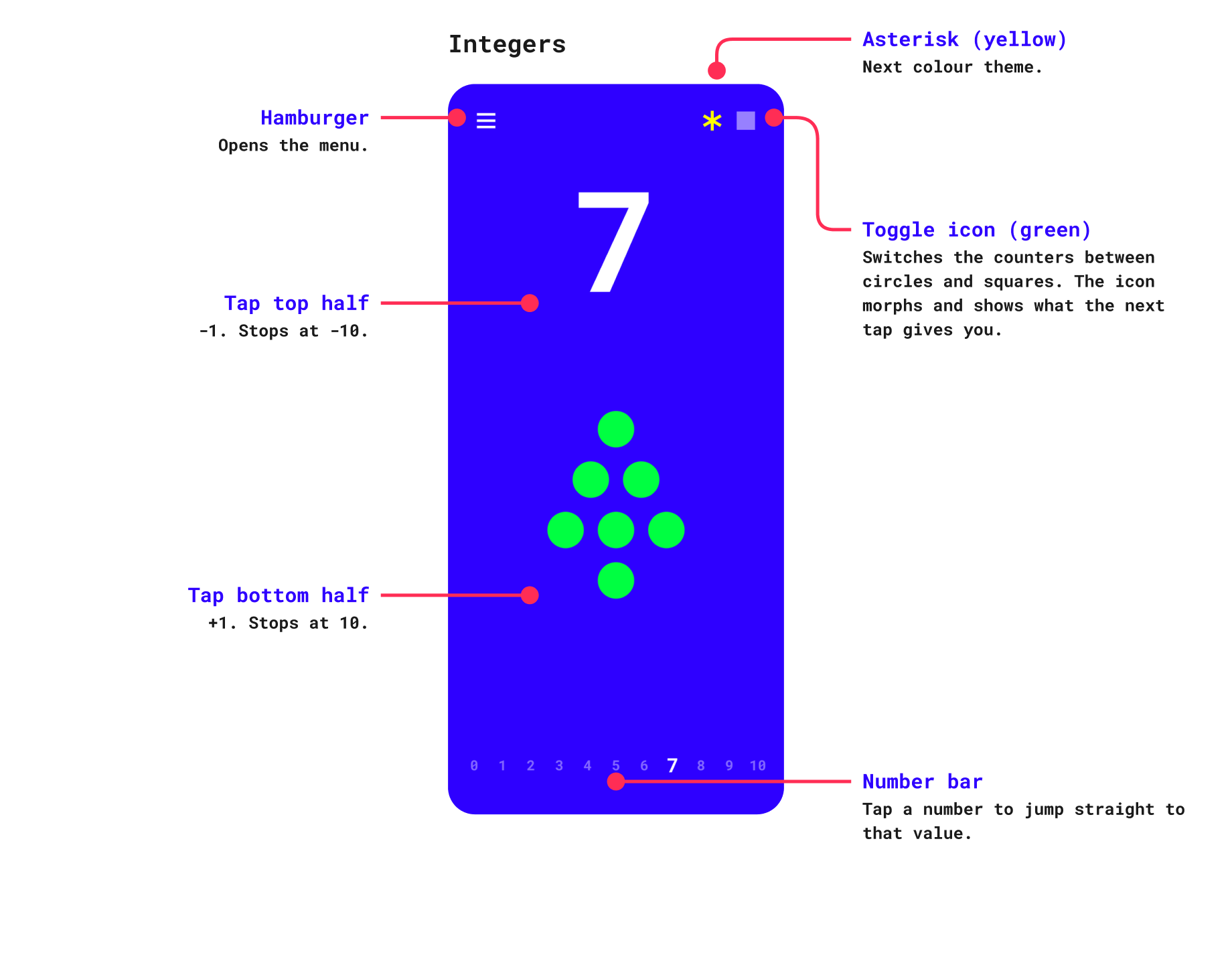
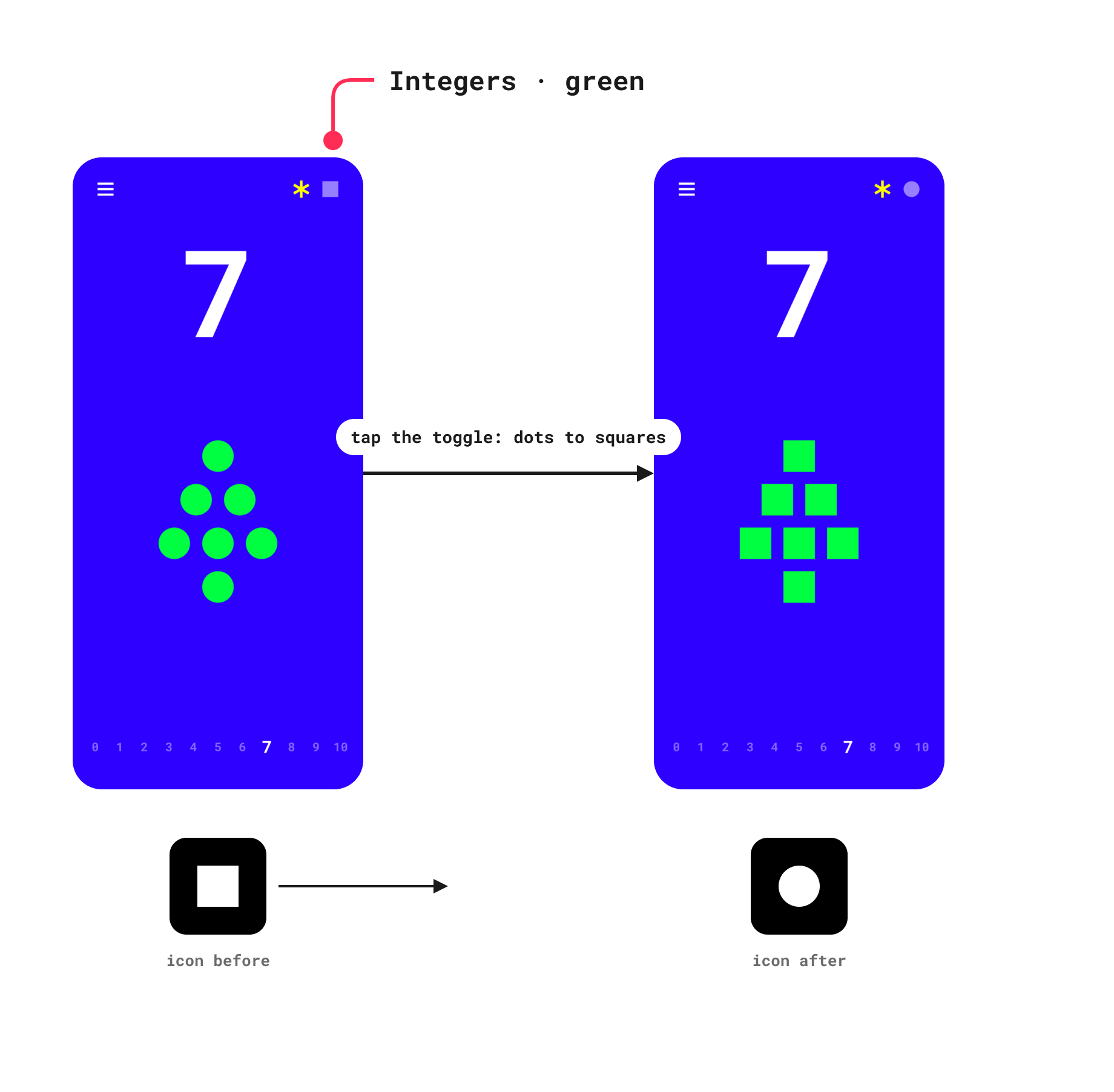
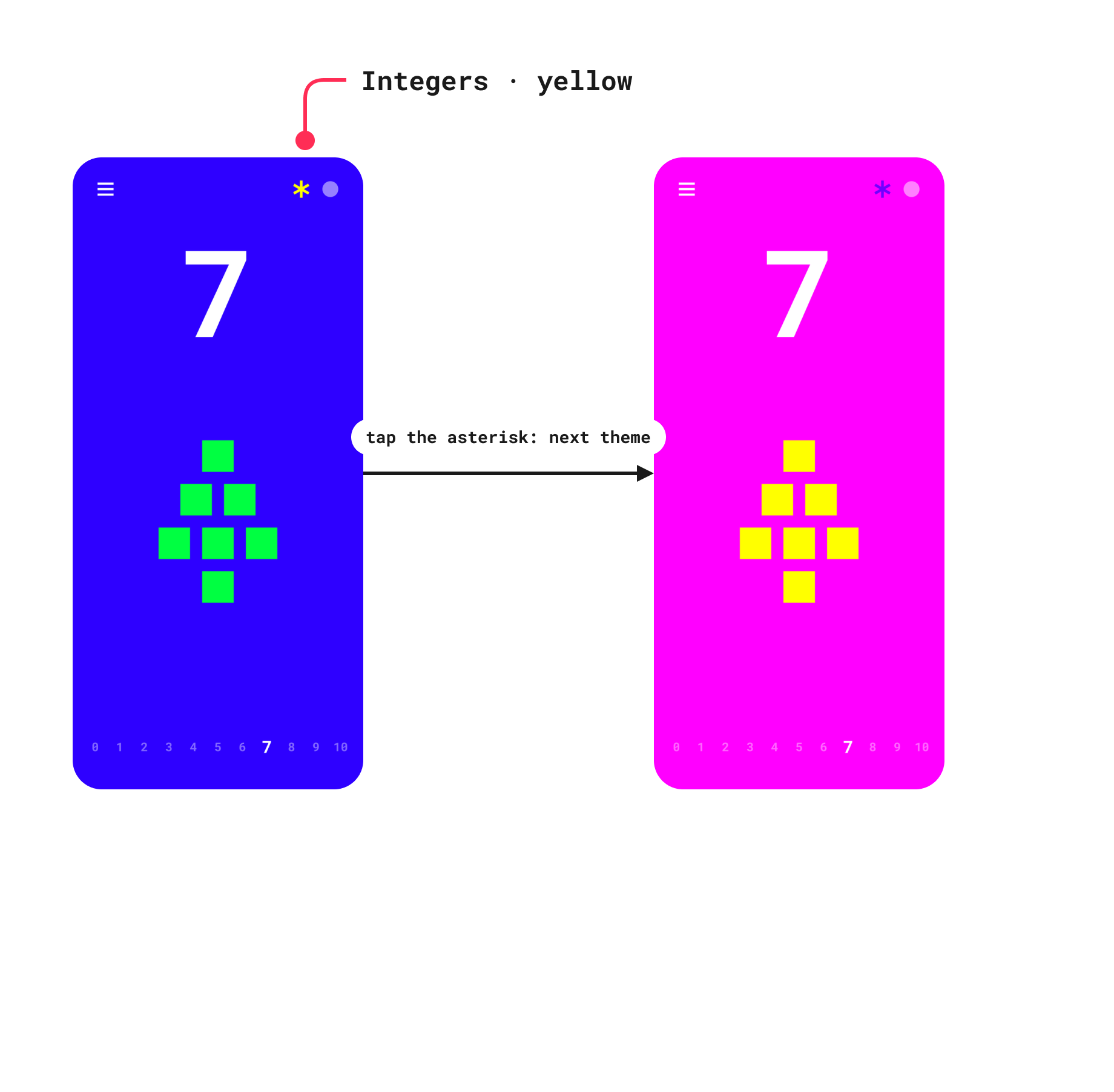
Count from -10 to 10. The big number is shown with that many counters stacked in a triangle, with a number line below. Negative numbers swap the colours so they feel different from positive ones. Switch the counters between circles and squares, or cycle through the colour themes.
Alphabet
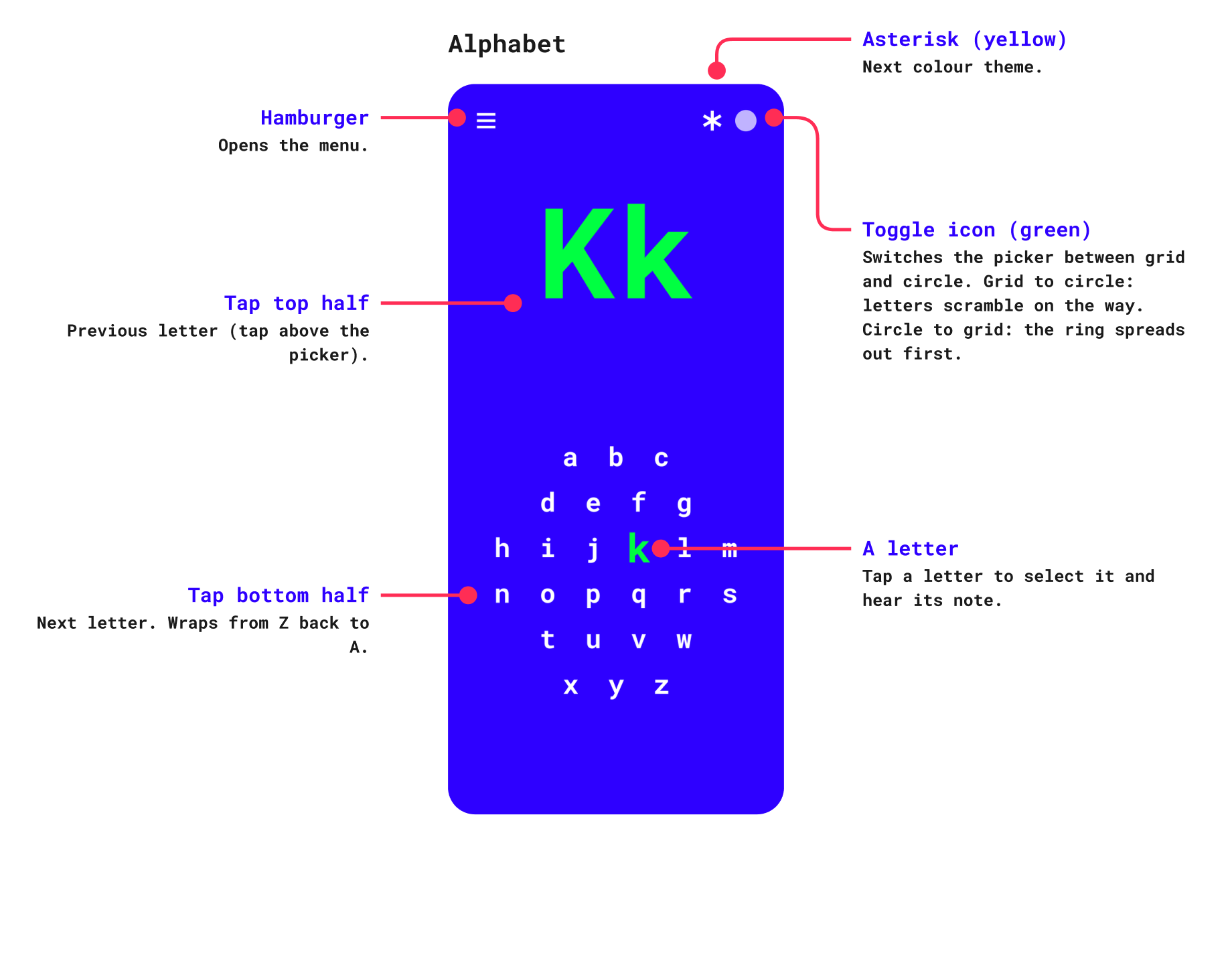
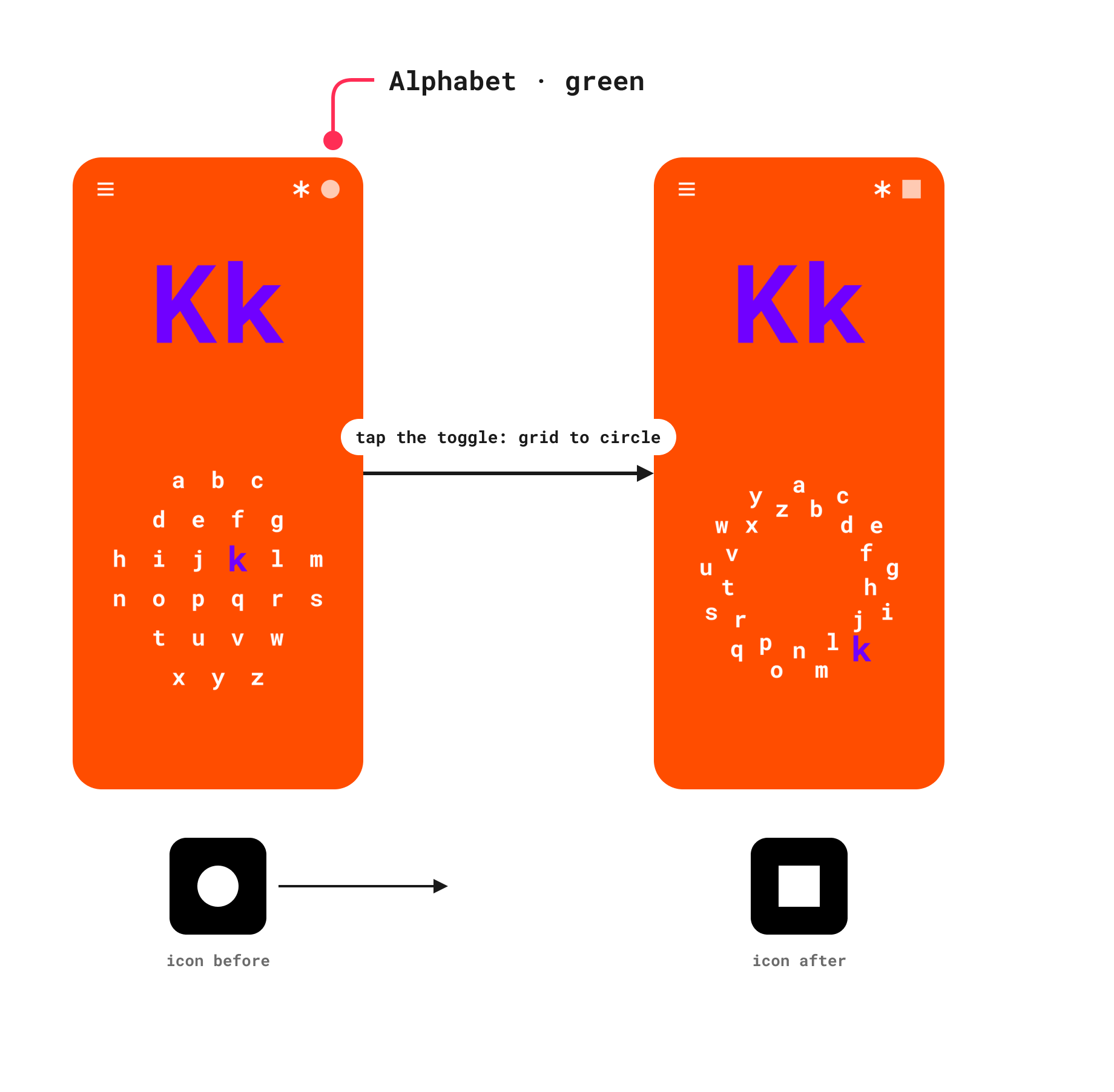
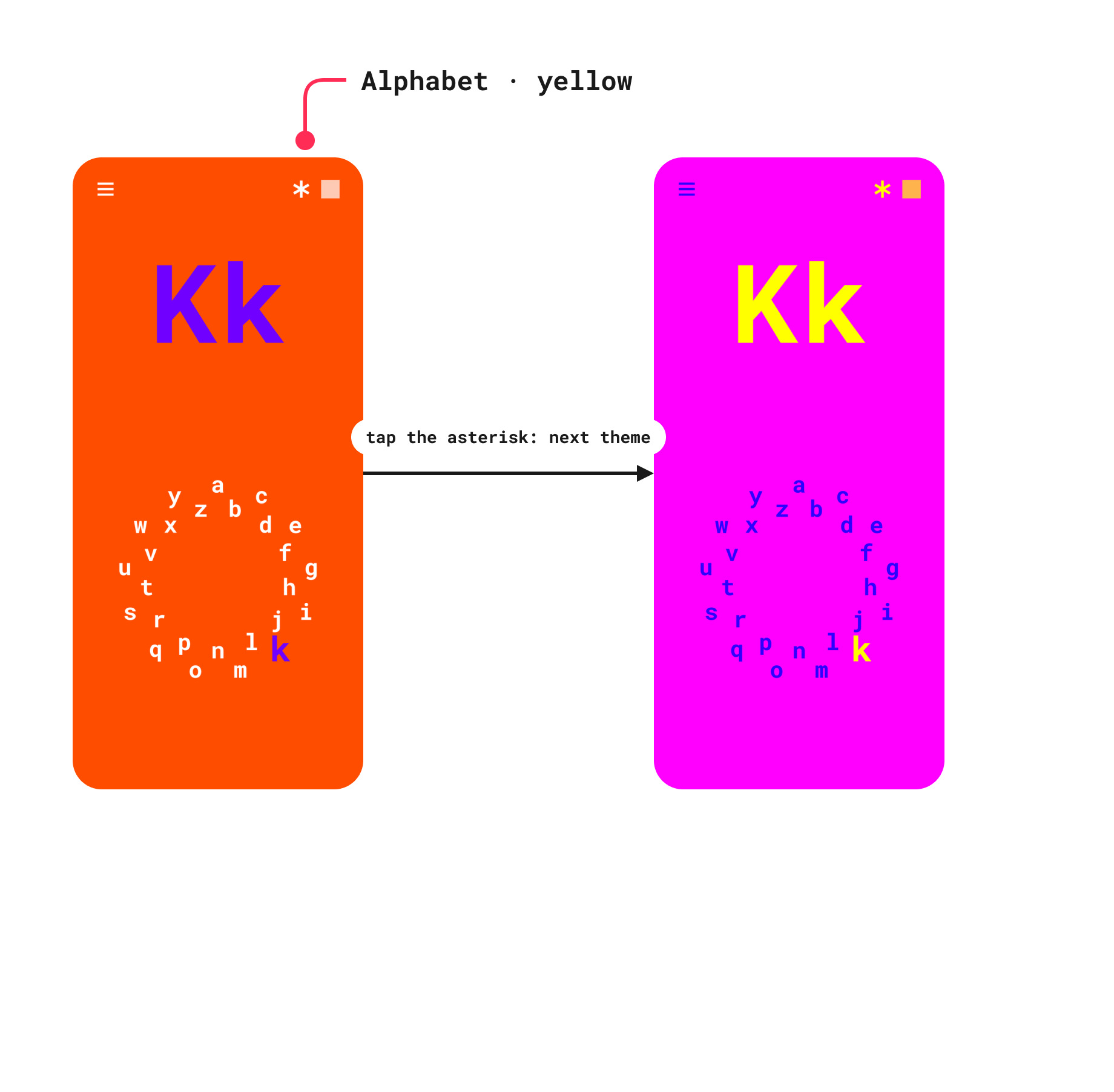
Pick any letter from a grid or a ring and see it big, in capital and lowercase. Each letter plays its own bell note, so the alphabet is also a small instrument. Switch the layout, shuffle the grid or spread the ring.
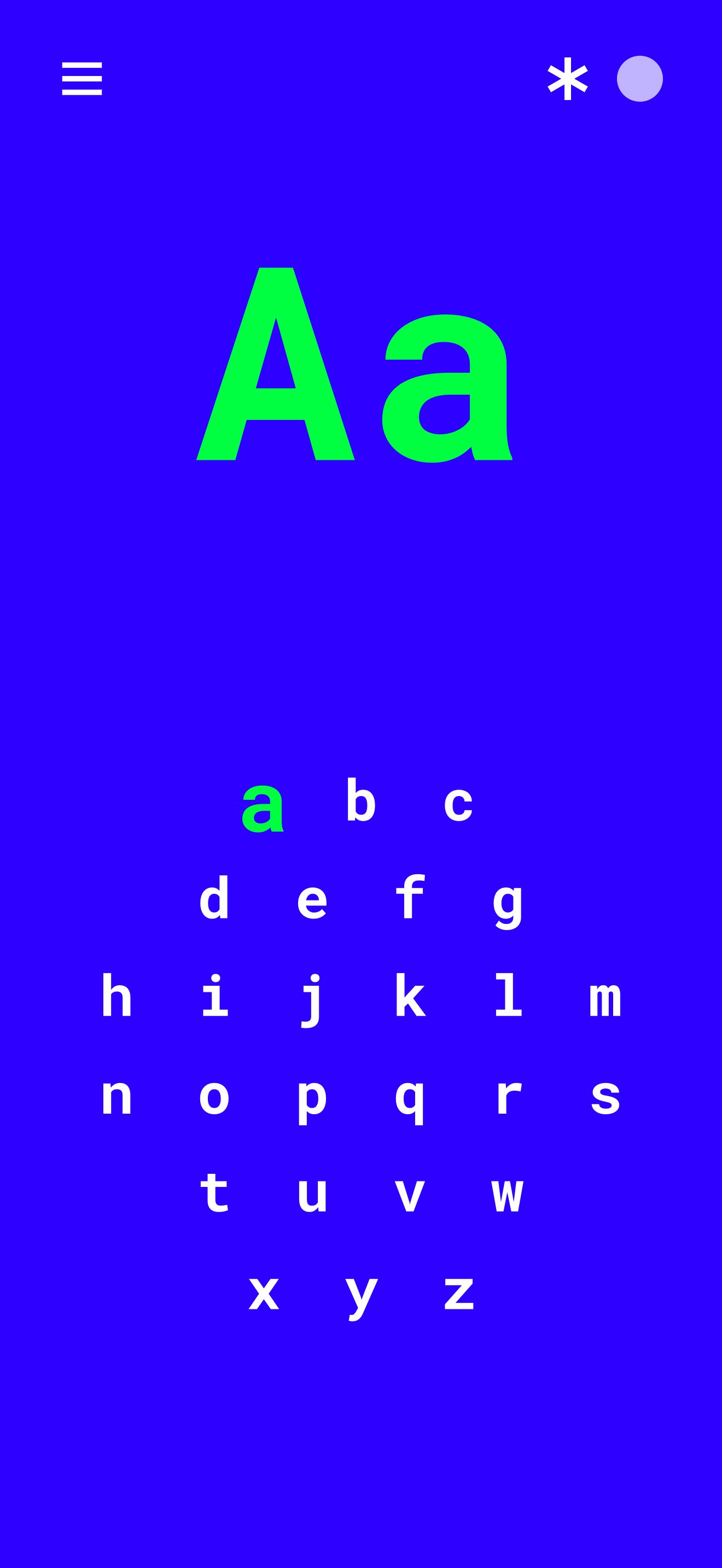
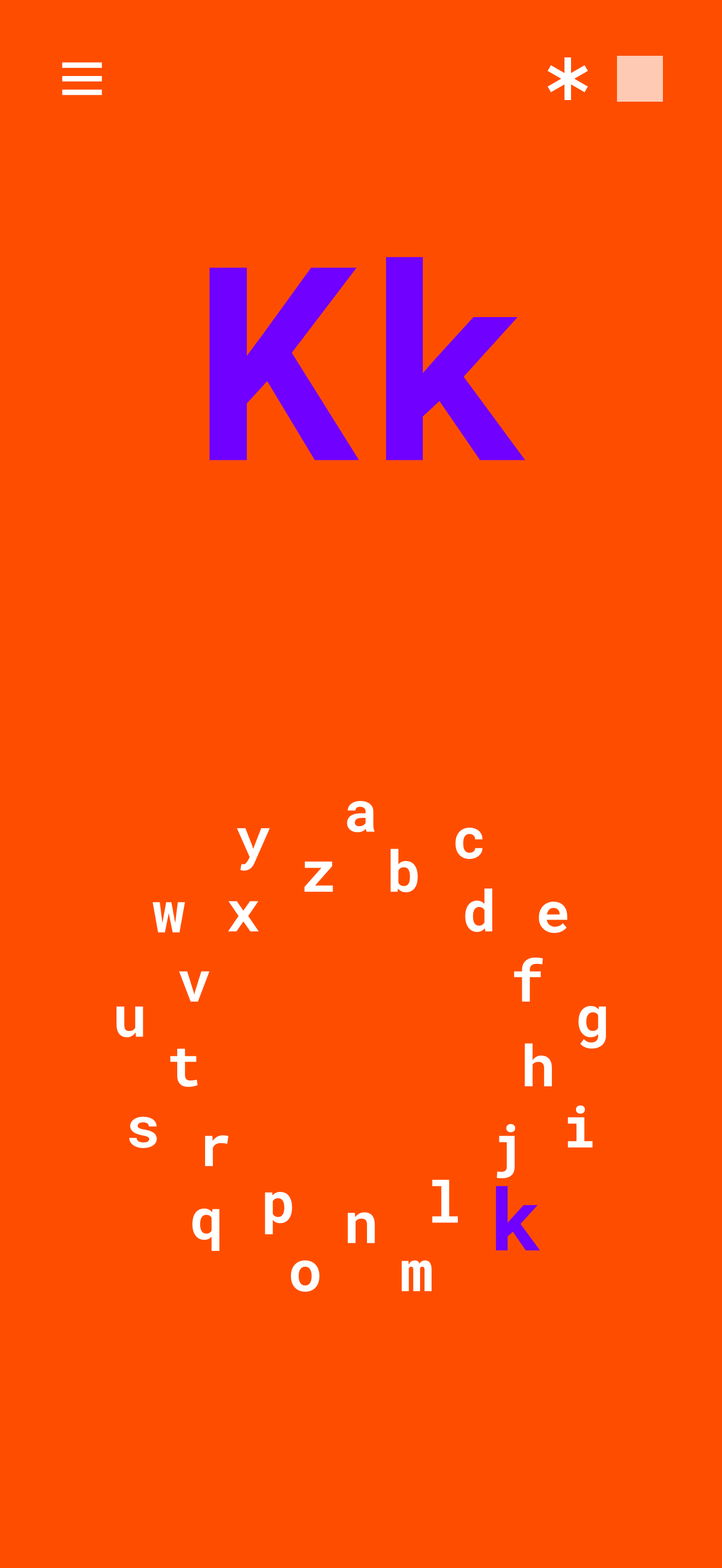
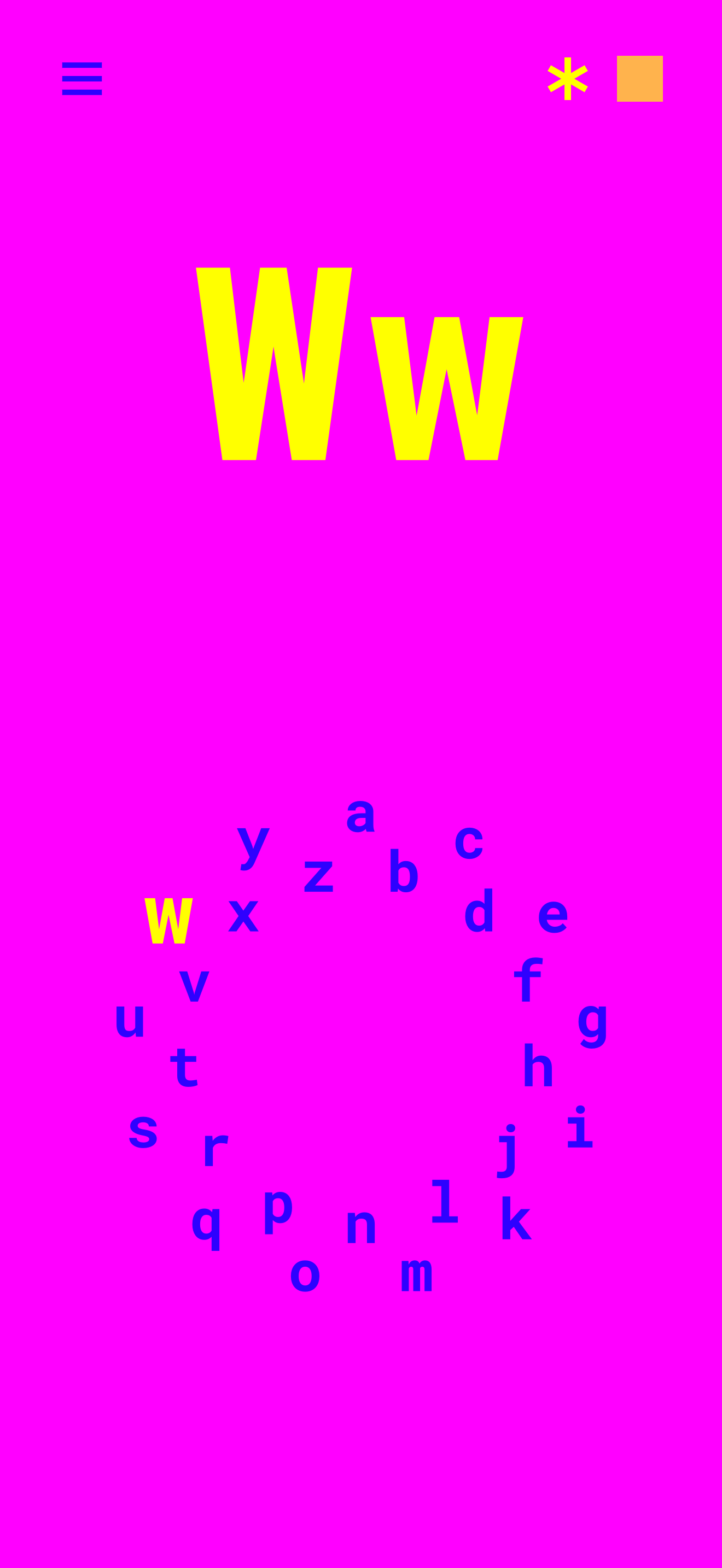
Pulled from a physical object.
The app keeps the NV 3000’s neon themes, its type and its sounds, and turns the device’s physical buttons into two touch controls: a dot and an asterisk.
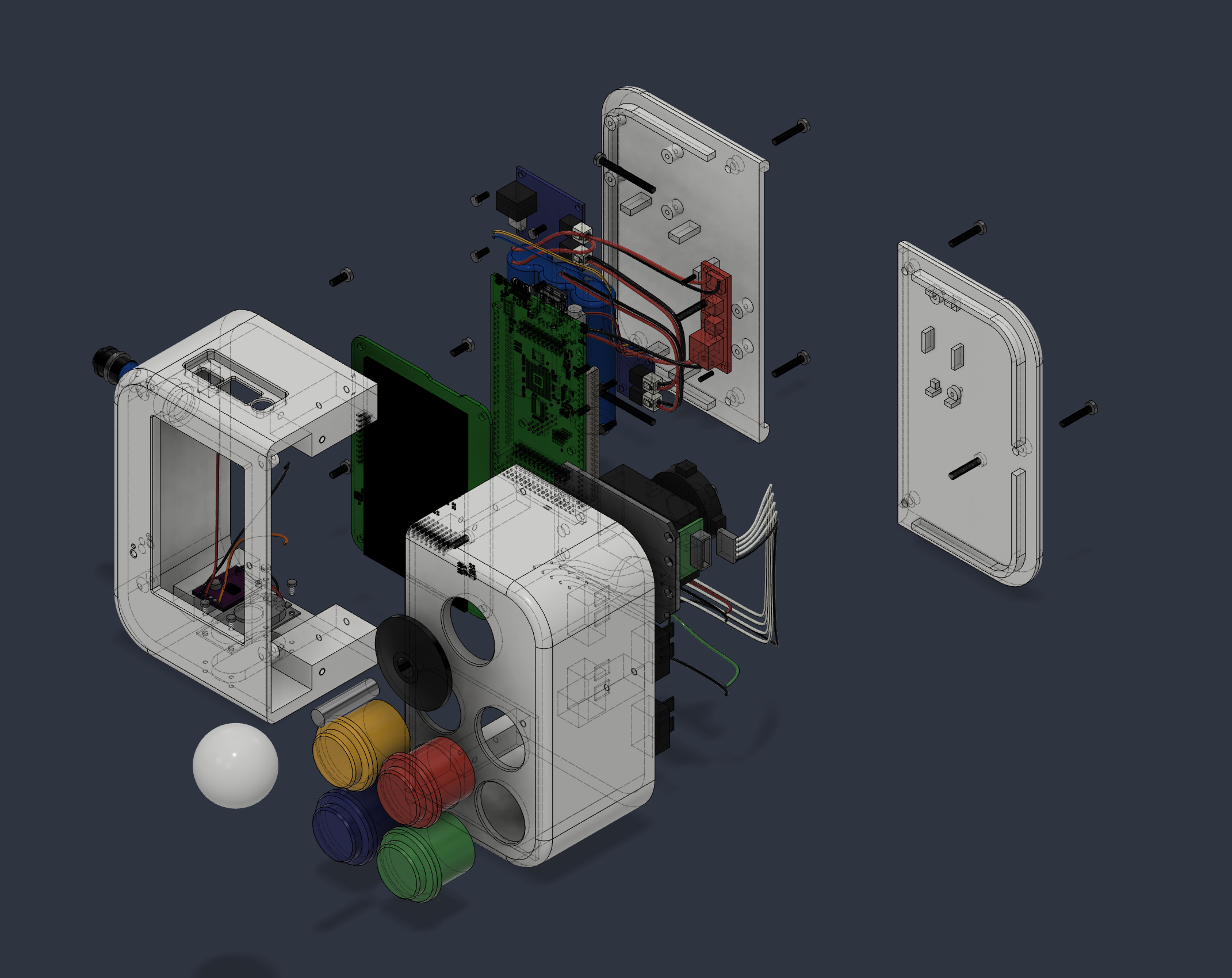
Sound as part of the design.
There are no recorded samples. Every tone is synthesized in code, using sine partials, envelopes and a touch of reverb. A letter, a number or a shape each has its own note, so touching things builds small melodies.
Responsive by layout, not by scaling.
On iPad the screen splits into side-by-side panes. On iPhone the panes stack. Drawing is in points, so the shapes stay crisp at any size, in any orientation.
Functional Details
Press feedback
A pressed button shrinks about 25% and gets a soft glow while the finger is down, then fades out. Applies to the hamburger / close / back, asterisk, dot or toggle, gear, menu items and the volume - / +.
Touch targets
The top corners are about 110 units square in the 480 x 800 design space. Left corner: menu / close I back.
Right corner: dot or toggle, with the asterisk just left of it, and the gear on the menu.
Tap zones
Portrait: top half previous, bottom half next. Landscape and iPad (wide layout): left half previous, right half next.
iPad keyboard
Arrows step. Space = green. Return = yellow. Esc = menu. 1 to 9 jump to shape. T = next
FAQ
Does it need an internet connection or an account? No. Everything works offline. There is nothing to sign in to.
Are there ads or in-app purchases? No ads, no in-app purchases and no tracking.
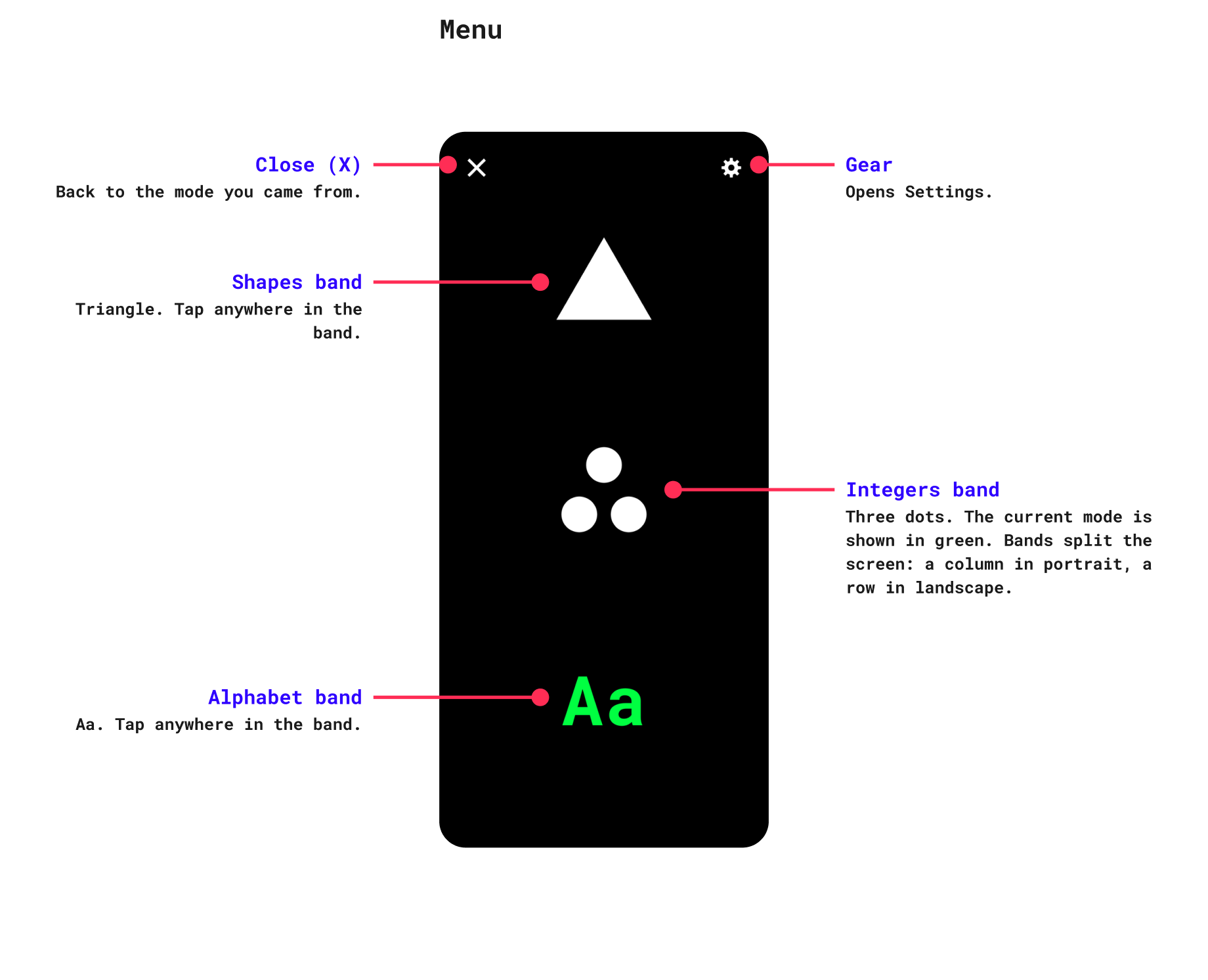
How do I change the colours or spin the shape? Use the two corner buttons, the dot and the asterisk. What they do depends on the toy: in Shapes they change the colours or spin the shape, and in Integers and Alphabet they switch the colours, the counters or the layout.
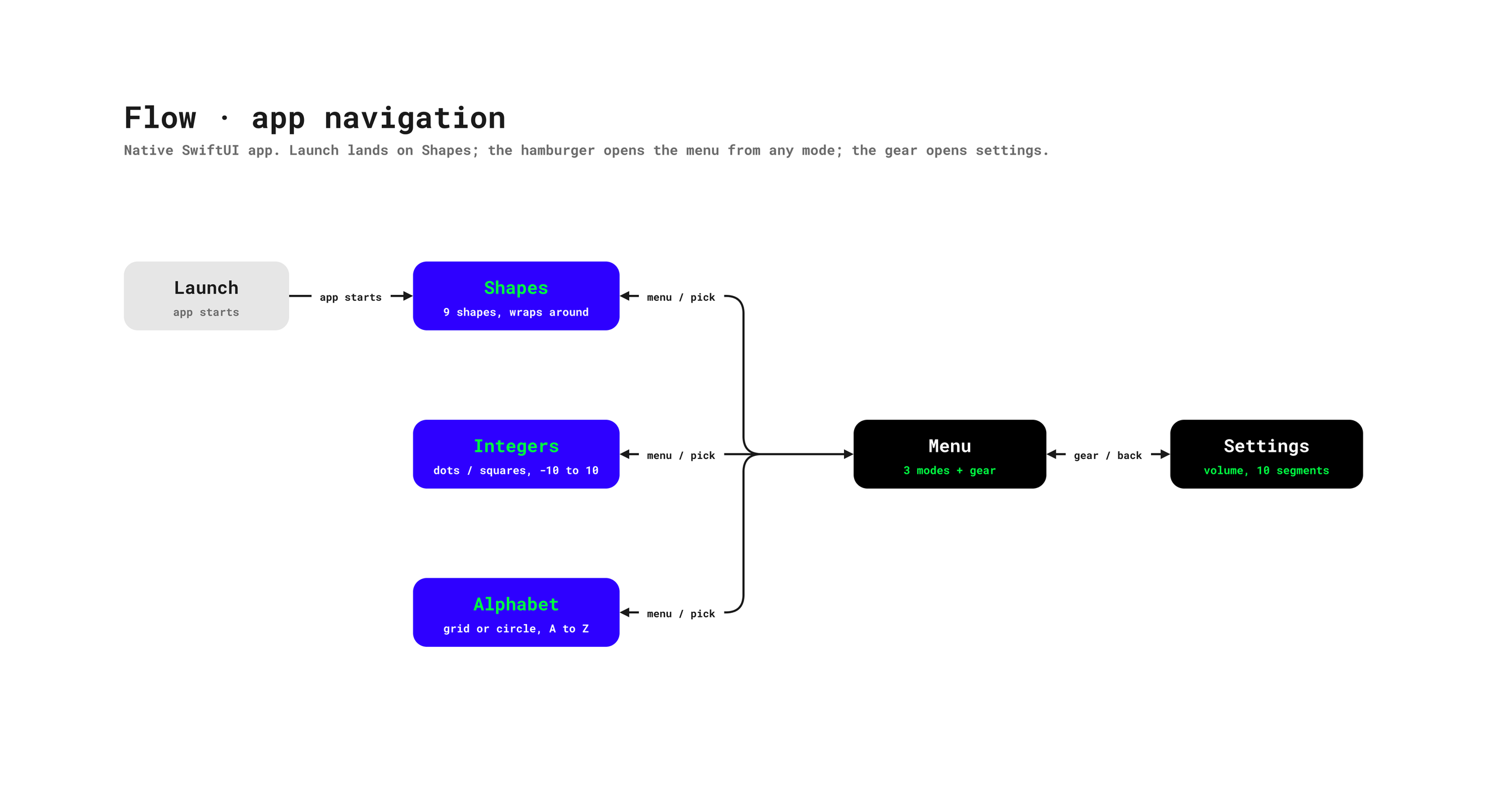
How do I switch between Shapes, Integers and Alphabet? Tap the menu icon in the corner and pick a toy.
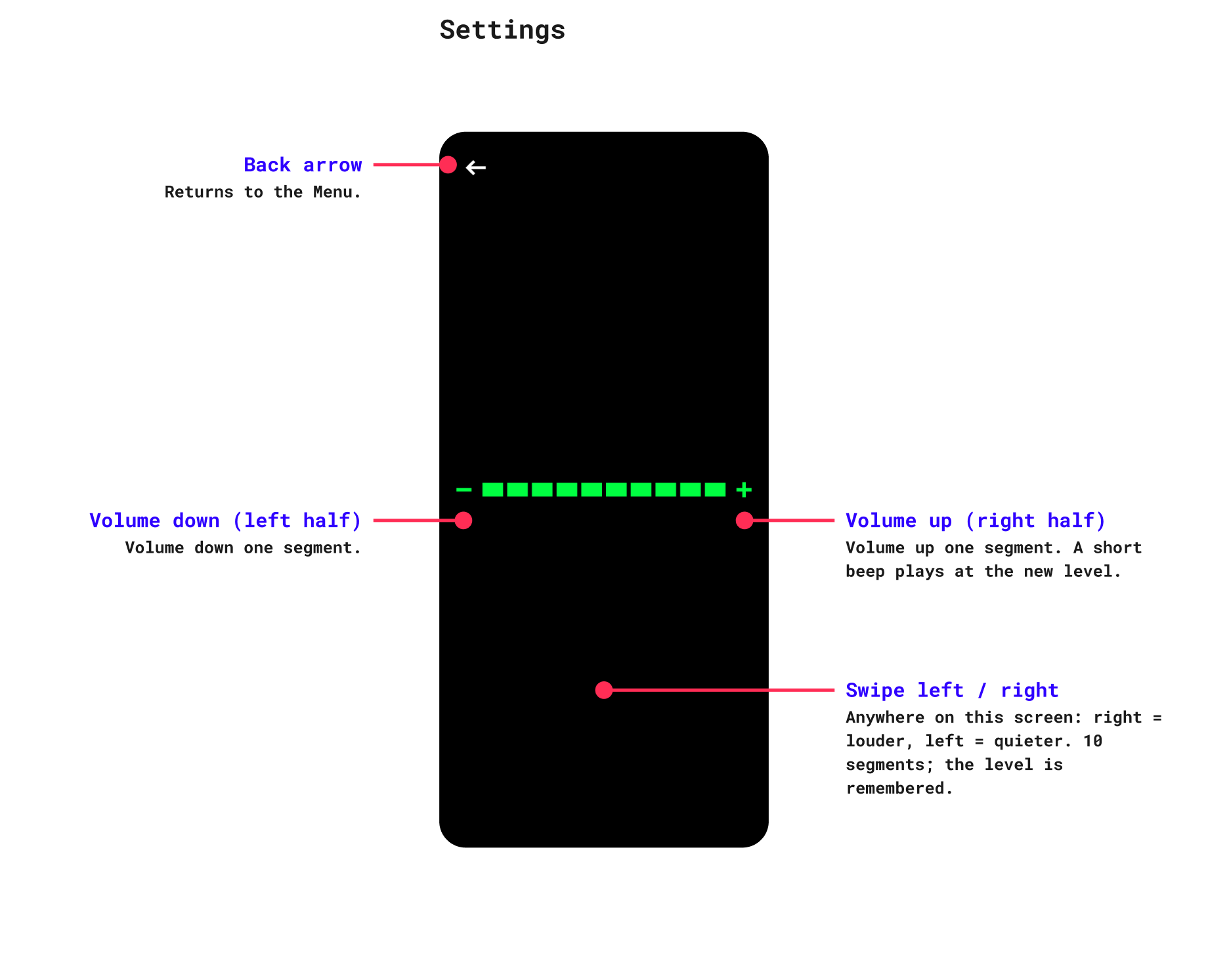
How do I change the volume? Open the menu, tap the gear icon, and use the left and right sides of the screen to turn the volume down or up. The app also follows your device's volume buttons.
I can't hear any sound. Check the volume buttons on your device and the in-app volume in Settings. If you use Bluetooth speakers or headphones, check they are connected.
Does it work in landscape and upside down? Yes. It works in all four orientations and rearranges itself to fit.
Something isn't working. Email support@zko.io with your device model and iOS version, and a short description of what happened.
Requirements
iPhone and iPad. Requires iOS 17.0 or later.
Questions, bug reports or ideas? Email support@zko.io and I'll reply.
Simple Playthings collects no data. Read the full privacy policy.